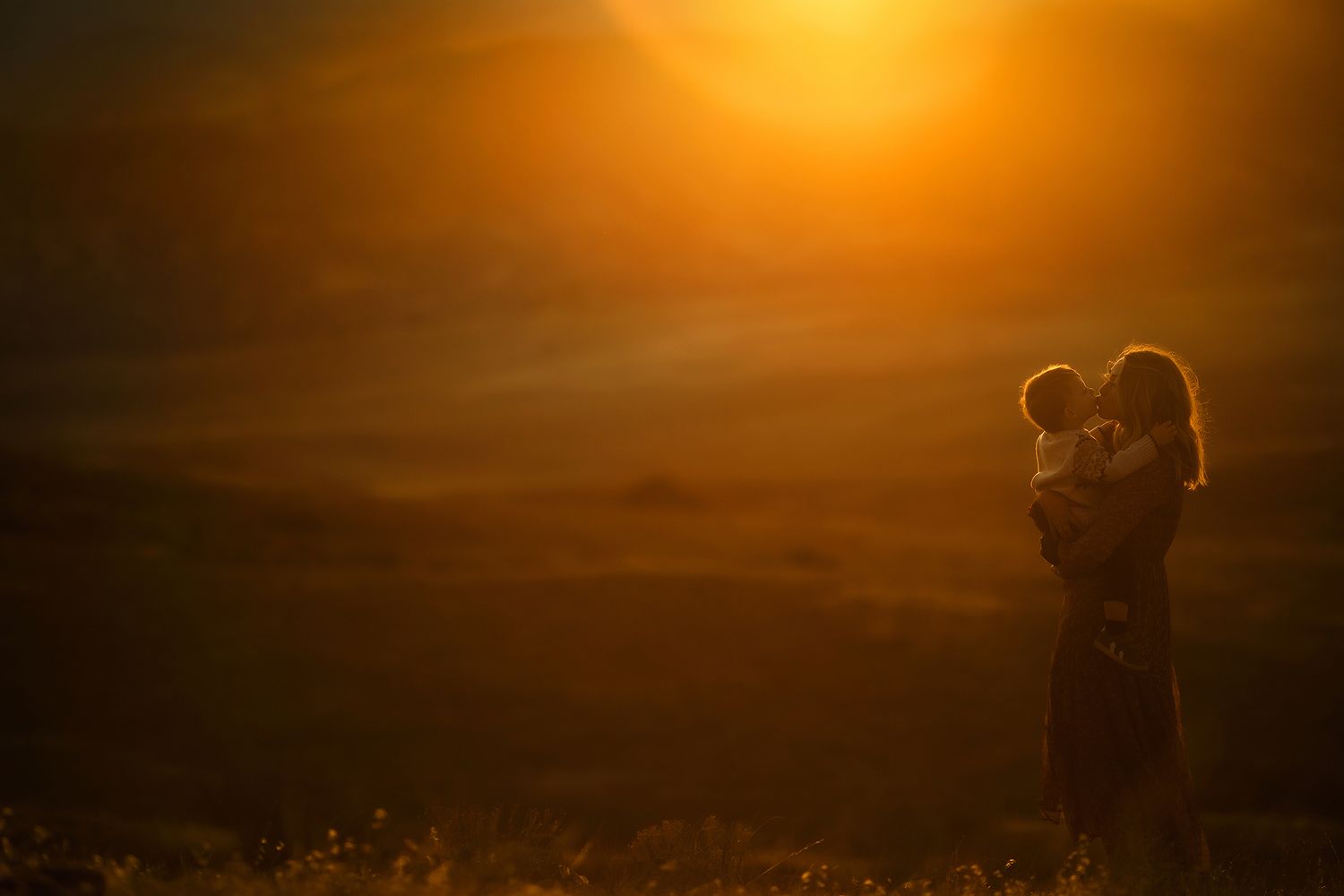
Creative Tools for the Heart Inspired Artist
Editing Tools That Take Make your Art Feel Good.
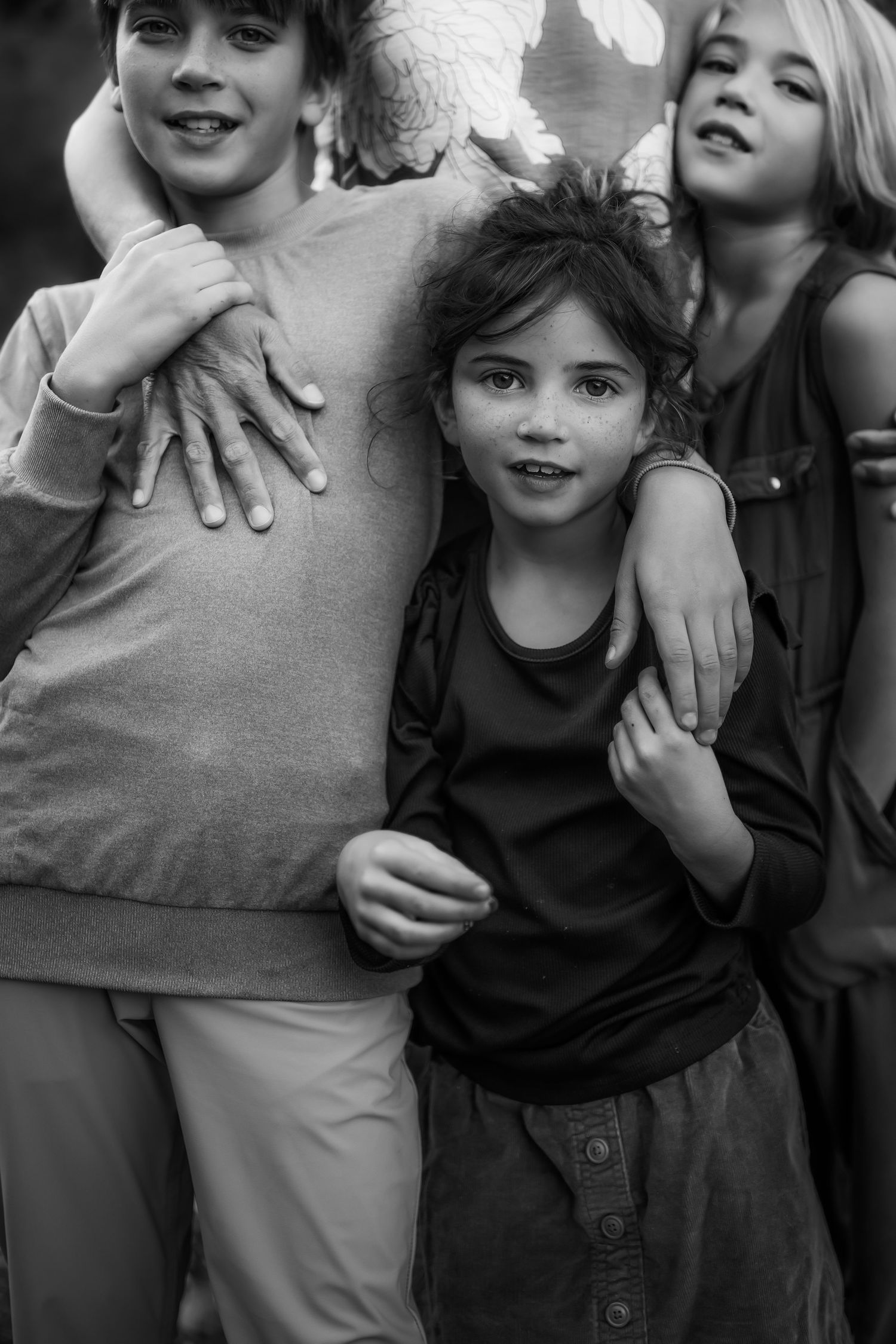
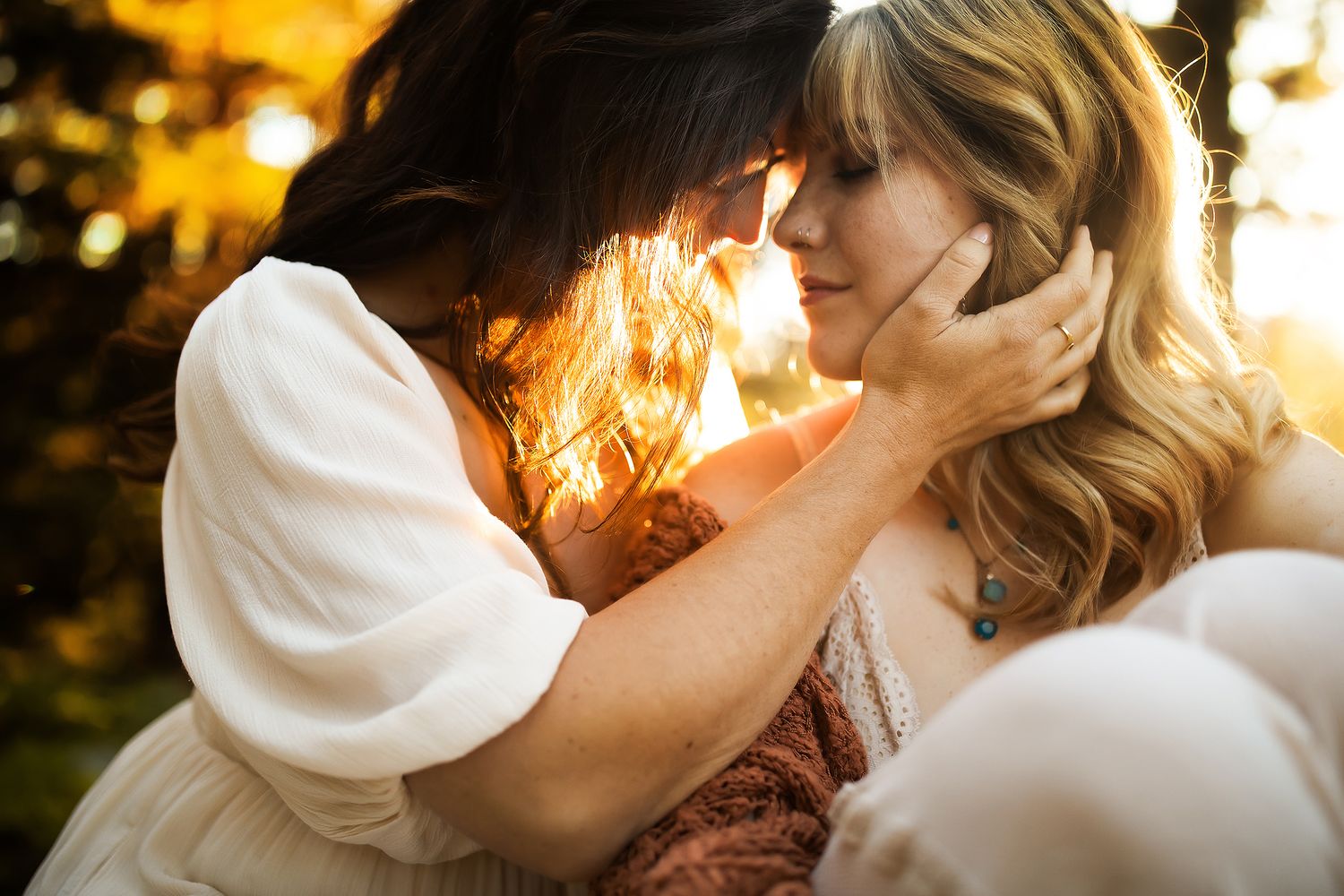
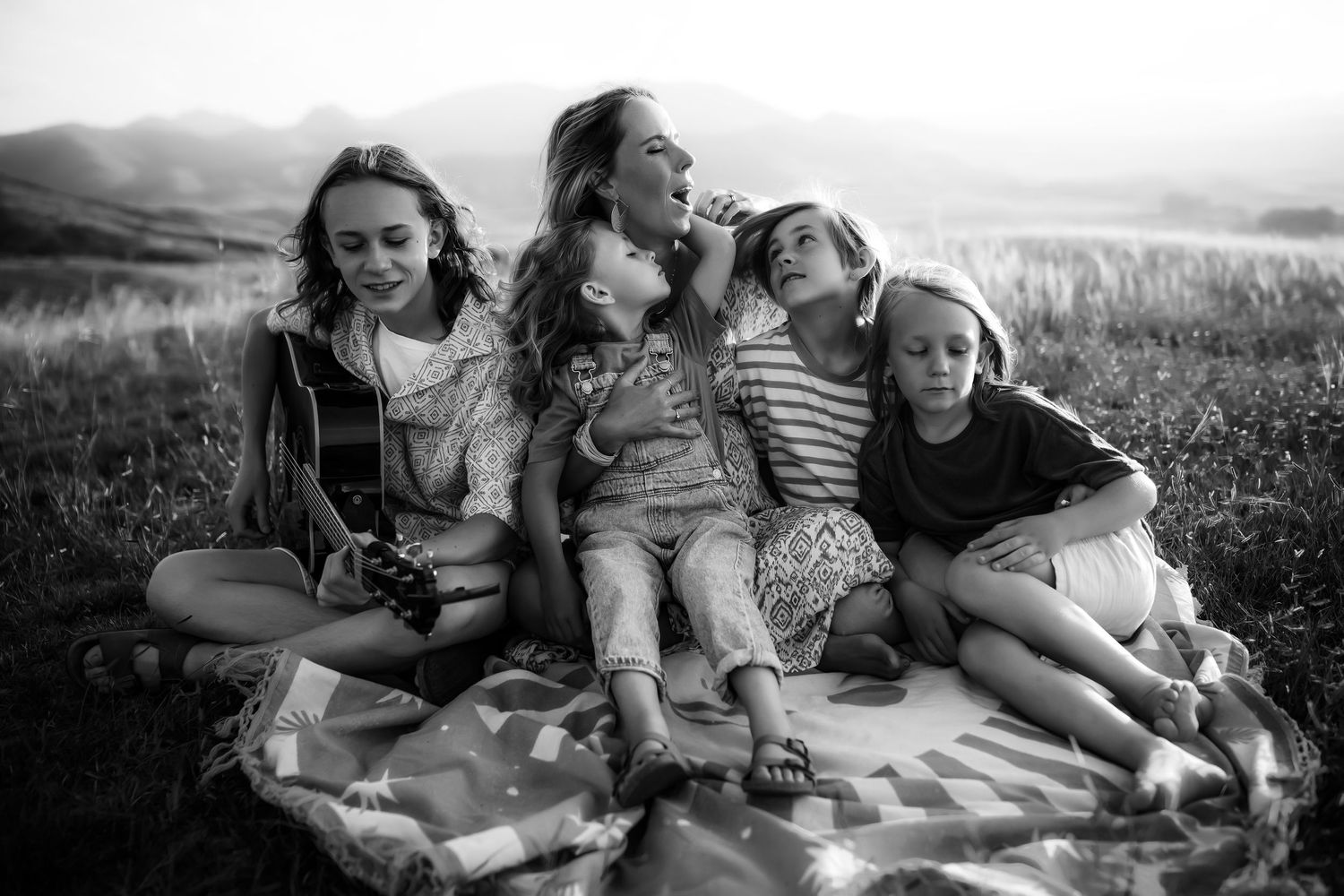
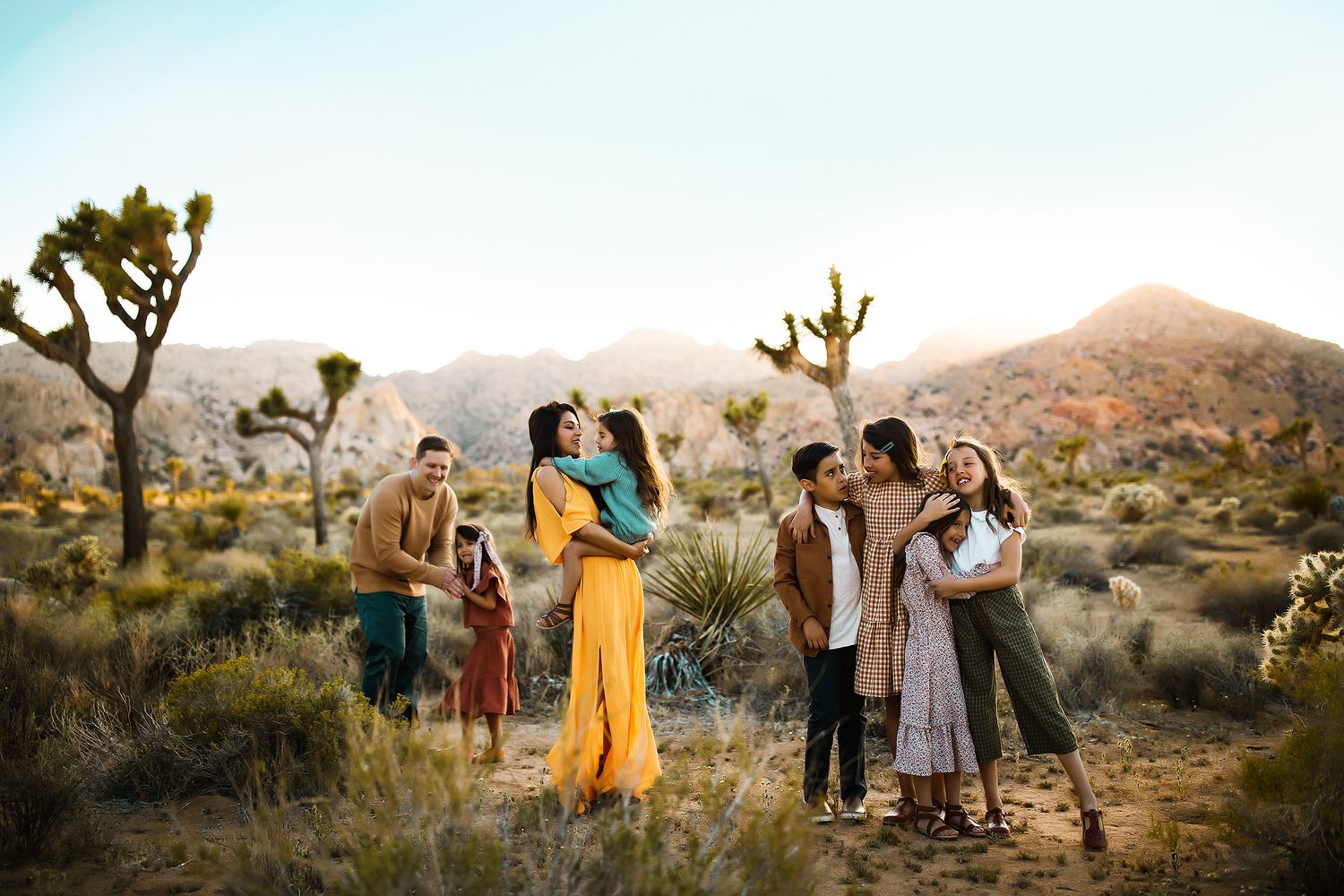
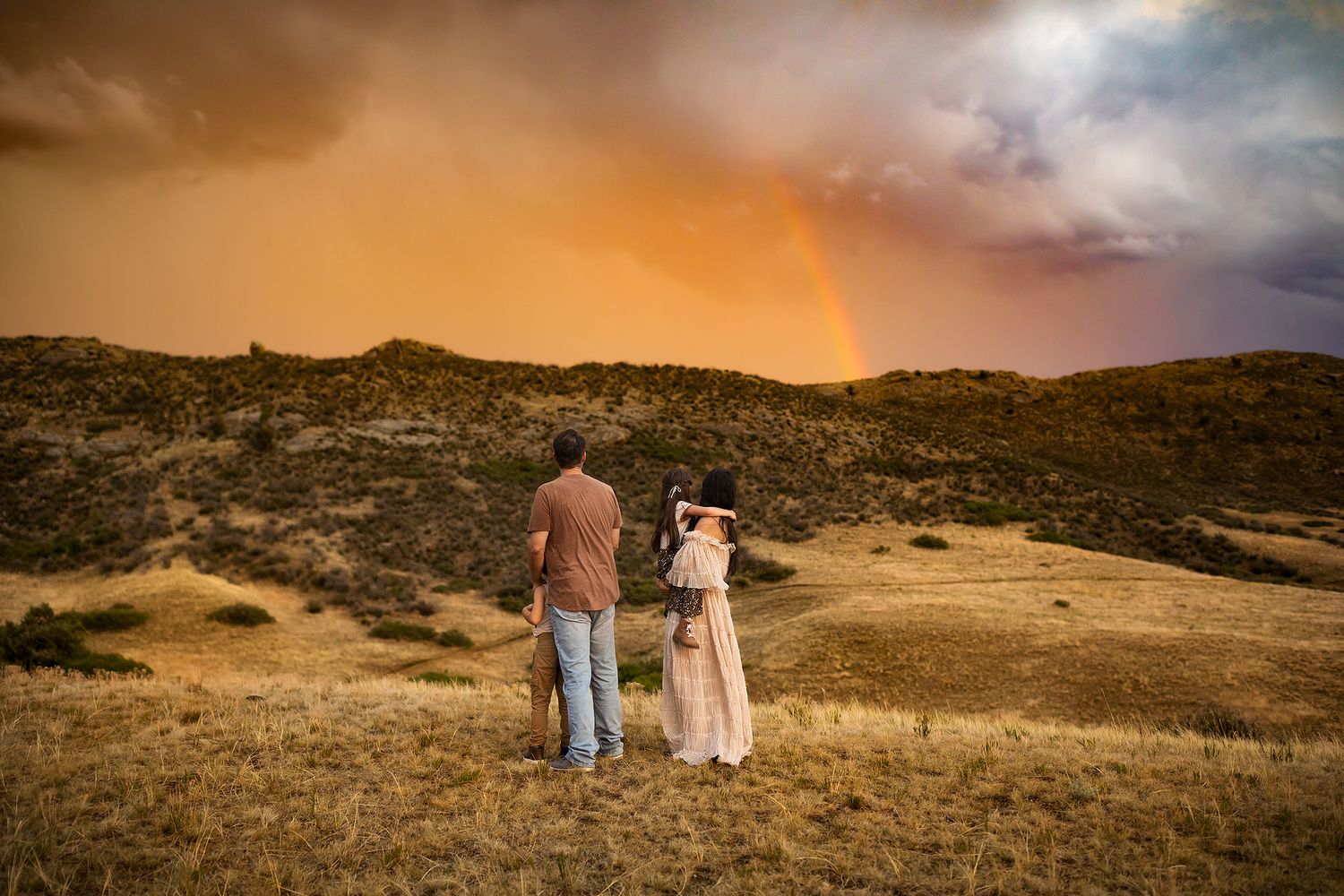
In 2008, I began creating Photoshop Actions as a way to support and share my process with other Photographers in our industry. At the time there was not much to choose from and everyone was still finding their own voice. Throughout the years, these tools have evolved right alongside me (and you!) Almost two decades later and I am still creating these resources for others. My goal is they help make your work come alive while still being unmistakably your own. That they nourish your own voice and define your point of view.
Did you know that my editing tools are designed to compliment one another seamlessly? In fact, they are fun to collect because the helper actions in each Photoshop action set all target unique areas and help you build on your existing edits. They are also incredibly easy to use with Lightroom edited images if you like to pull your images over from Lightroom. There are literally infinite ways to use these. From painting color on selective areas to shifting tones to creating a creamy painterly look, it goes on and on and on.
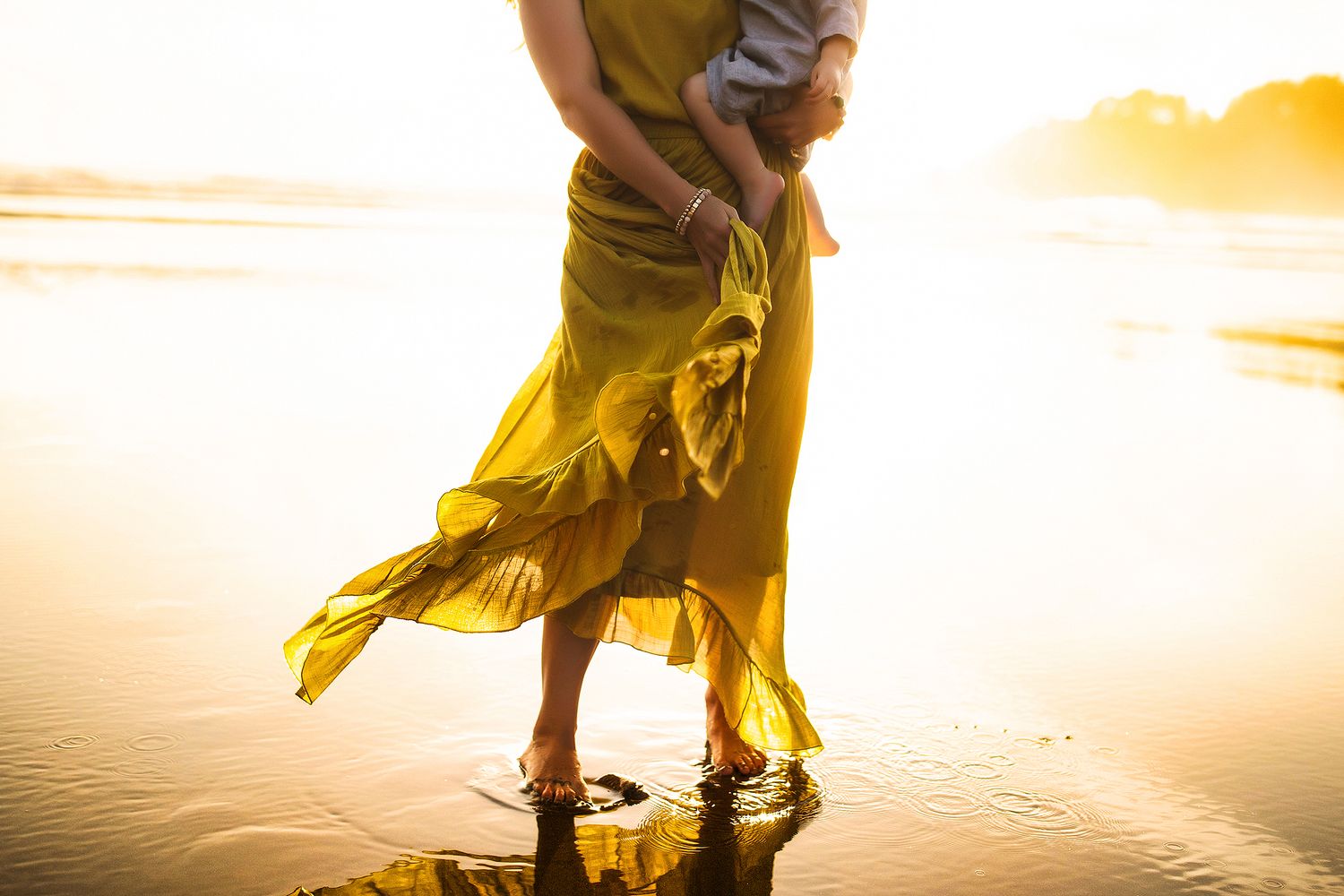
These Photoshop Actions and Lightroom/ACR Presets have been designed with you in mind. They are easy to adapt to any workflow and created to be stackable and customizable. There are seemingly infinite possibilities. You can use these tools with your current workflow or reinvent yourself all together.
Automate your workflow without losing any of the personalization or creativity in your Photo Processing. You can choose between the "Helper" Actions designed to embellish and target particular aspects of your image such as the light, contrast, depth, etc. You can also use the "Creative" Actions that shift the entire tone and feel of your image for an all over shift. You can even use these together for a dramatic and fully polished edit.
"I found I could say things with color and shapes that I couldn't say any other way—things I had no words for."
Georgia o' KeeFFE
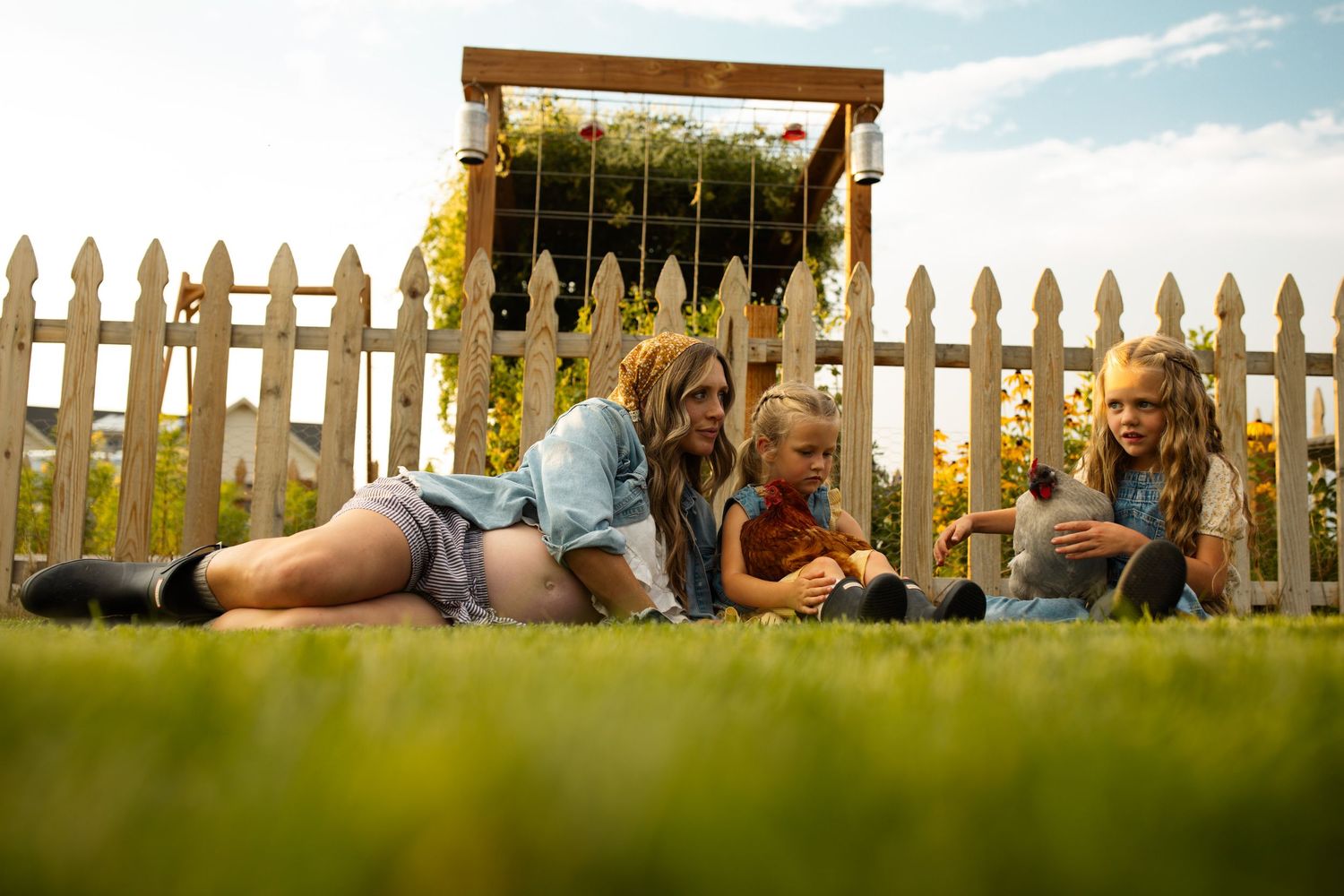
The Soulful Edit
Lightroom & Acr Presets
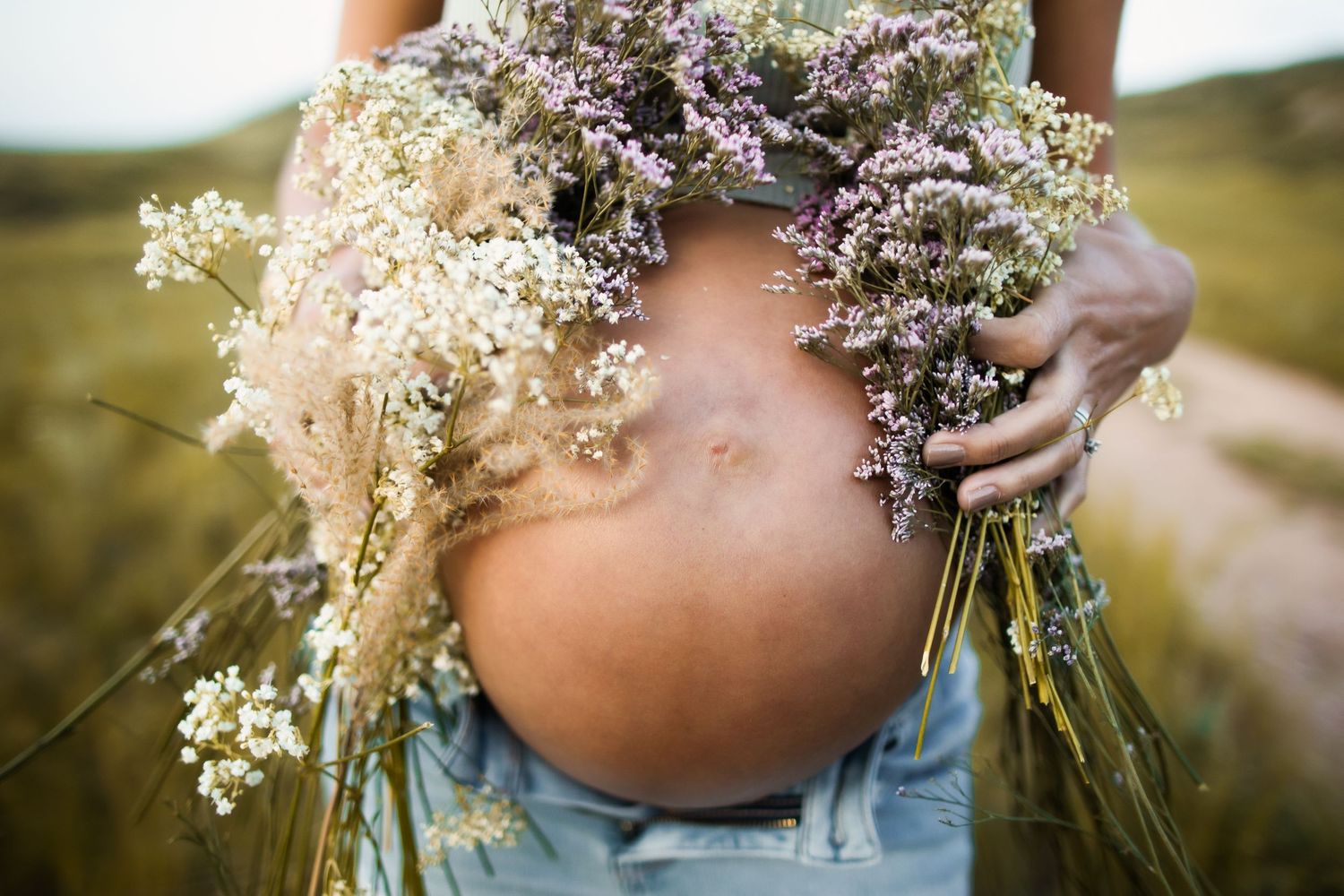
Artisan
Photoshop Actions
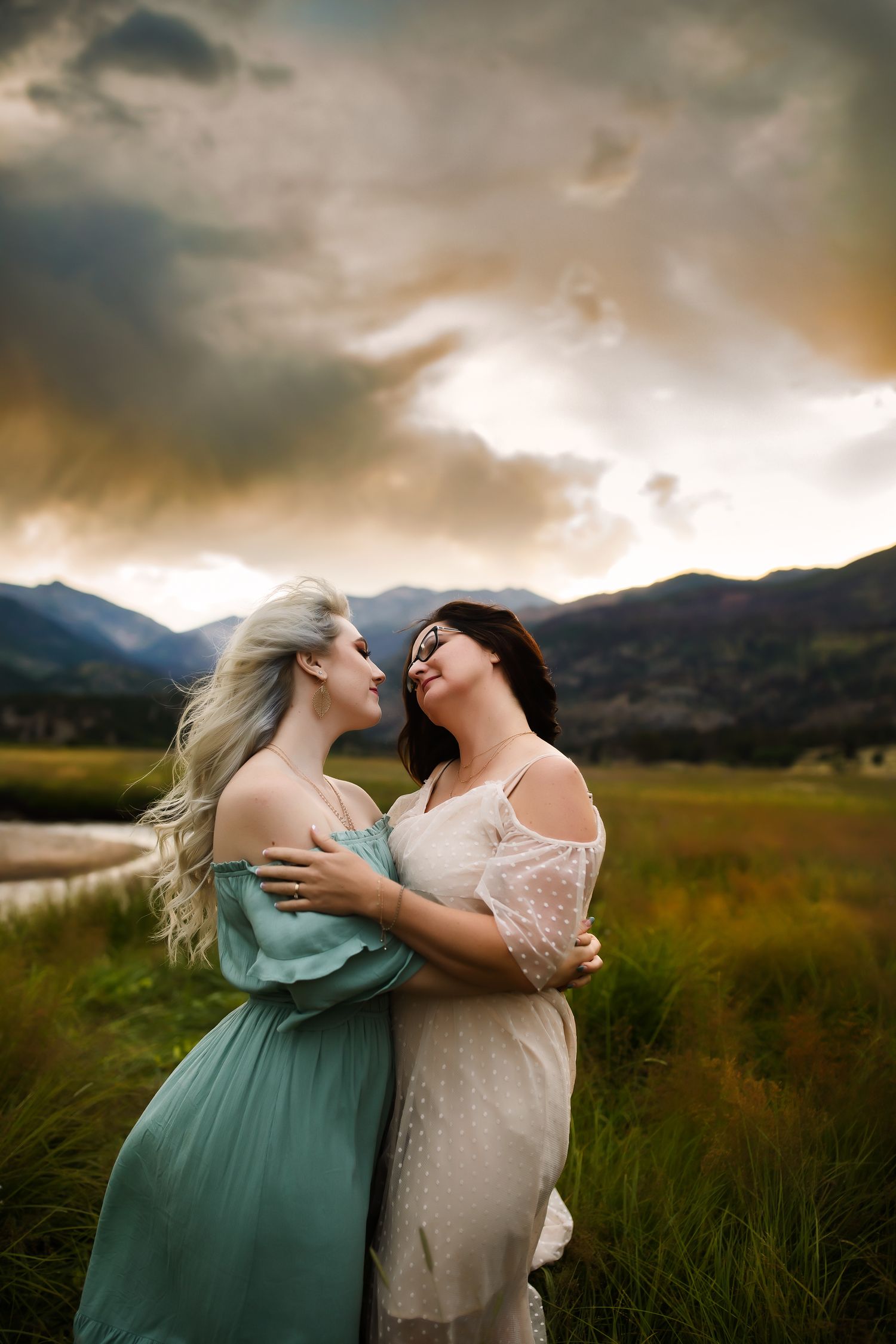
Mosaic
Photoshop Actions
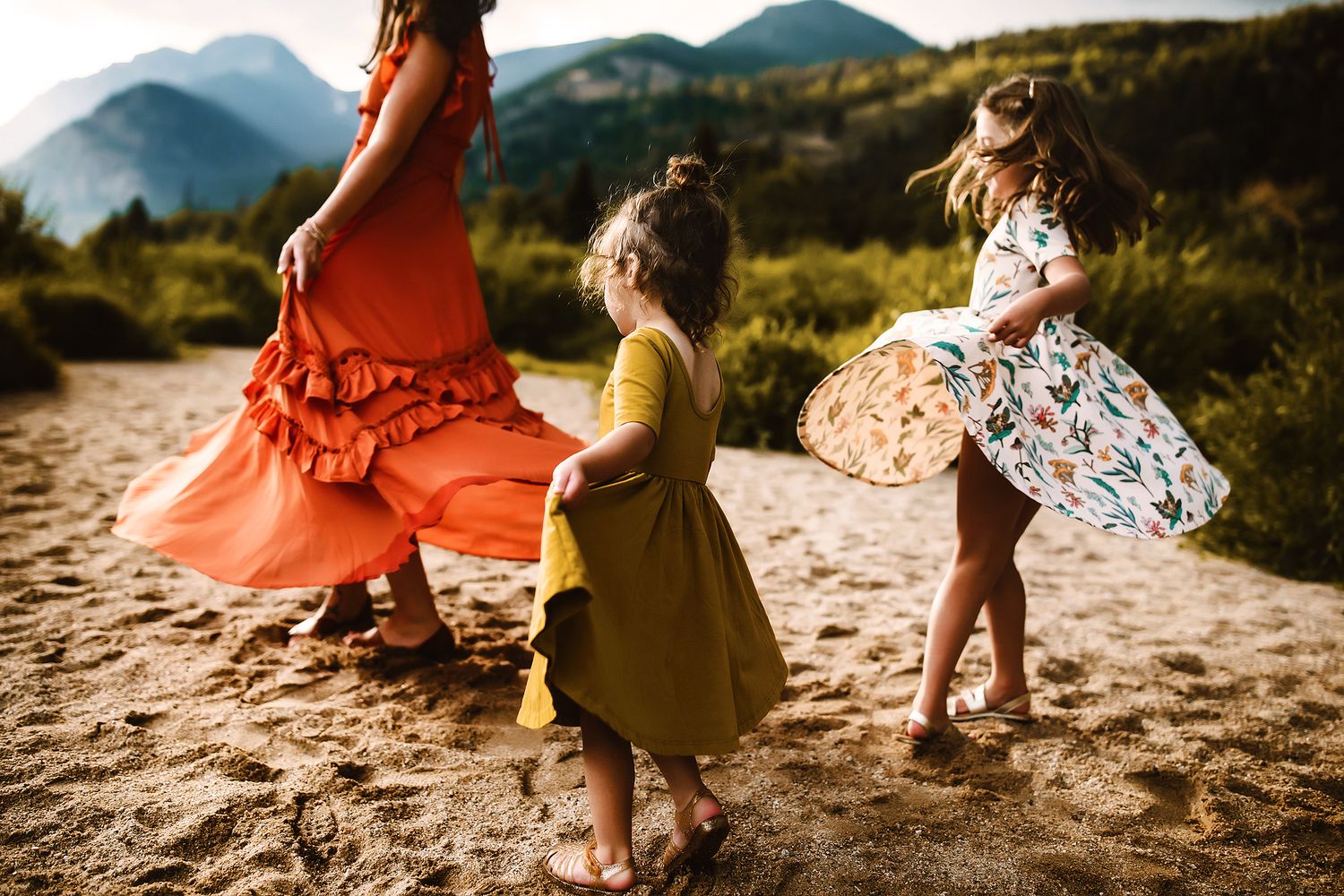
Kinfolk
Photoshop Actions
Sonder
Photoshop And Lightroom
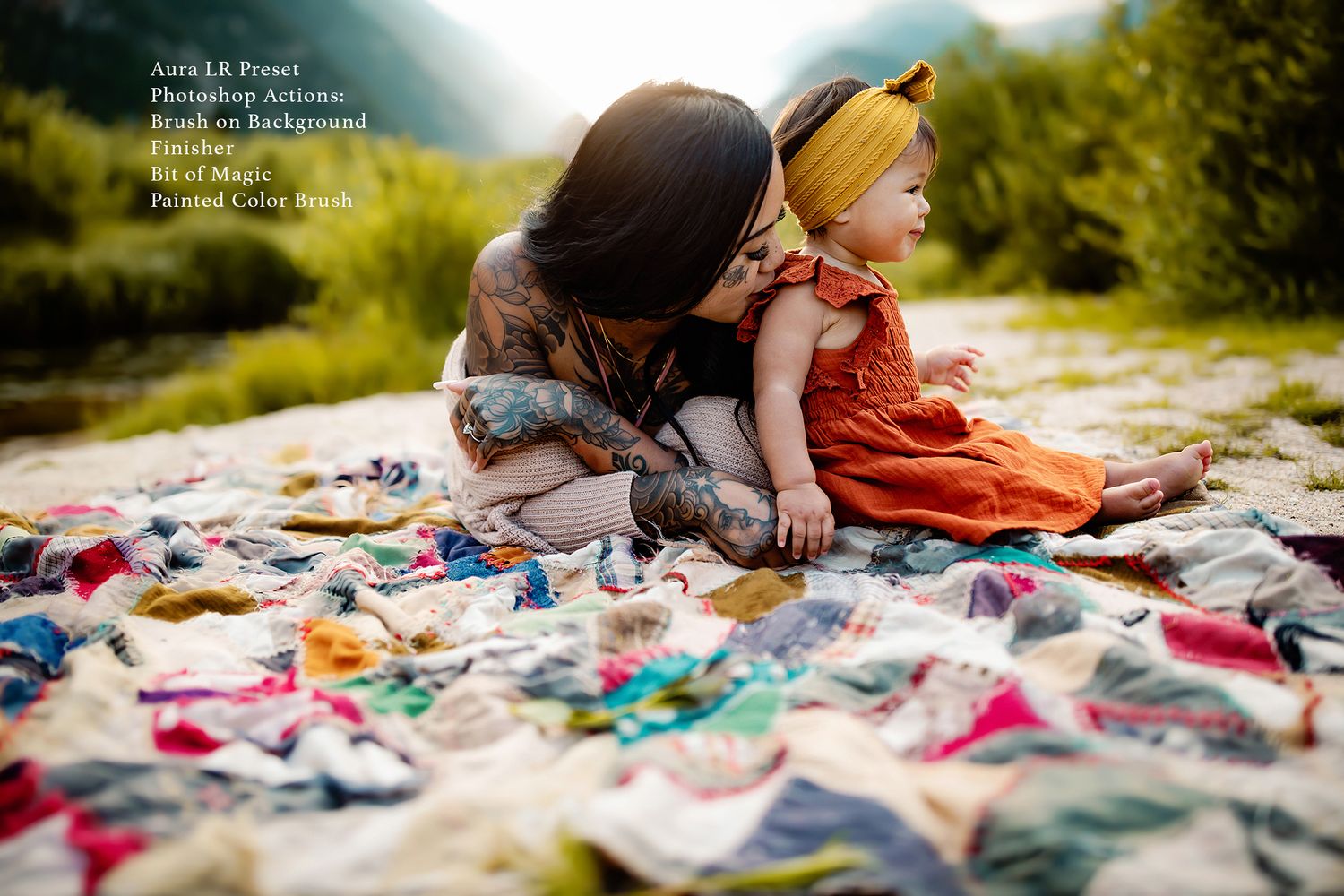
Muse
Photoshop Actions
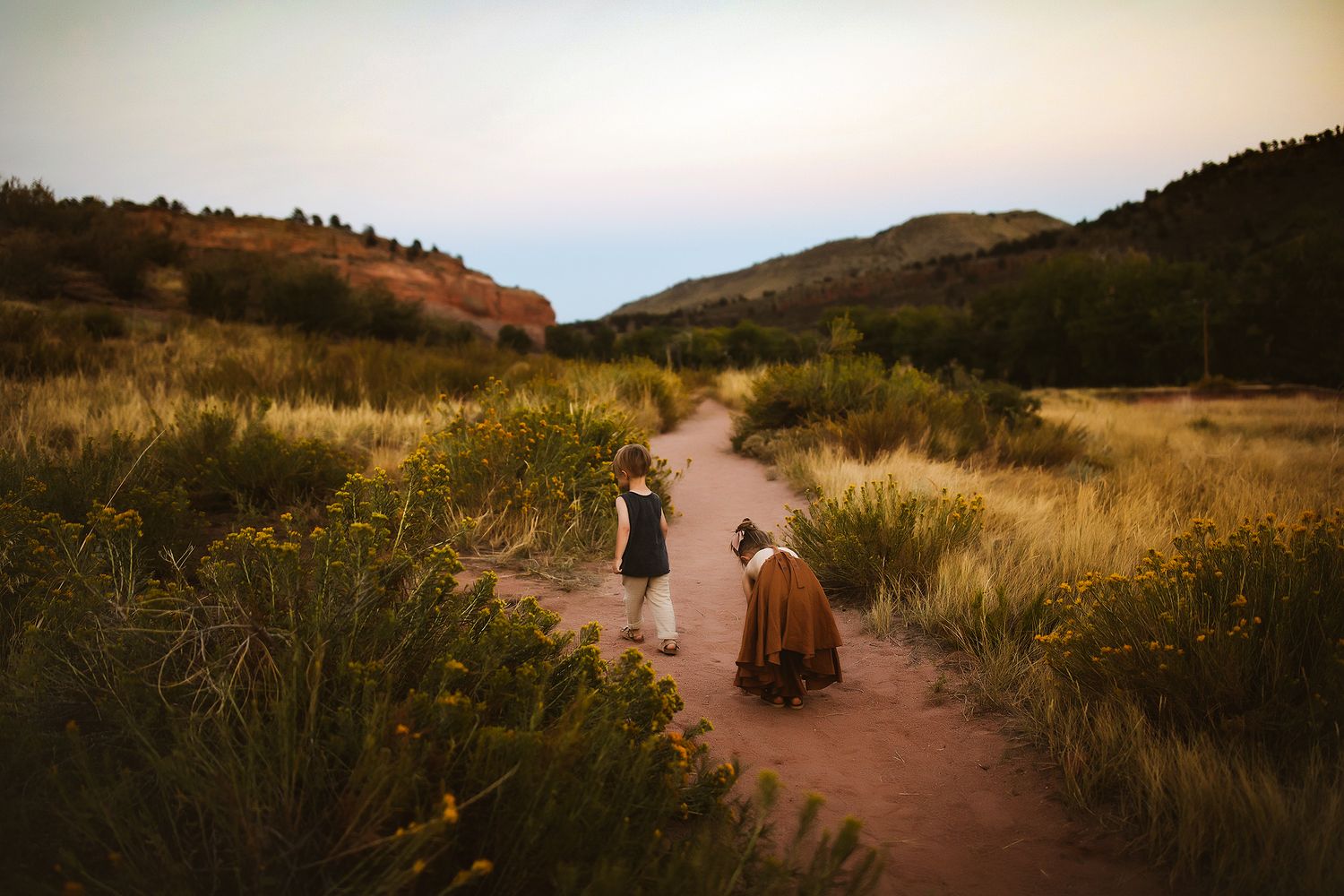
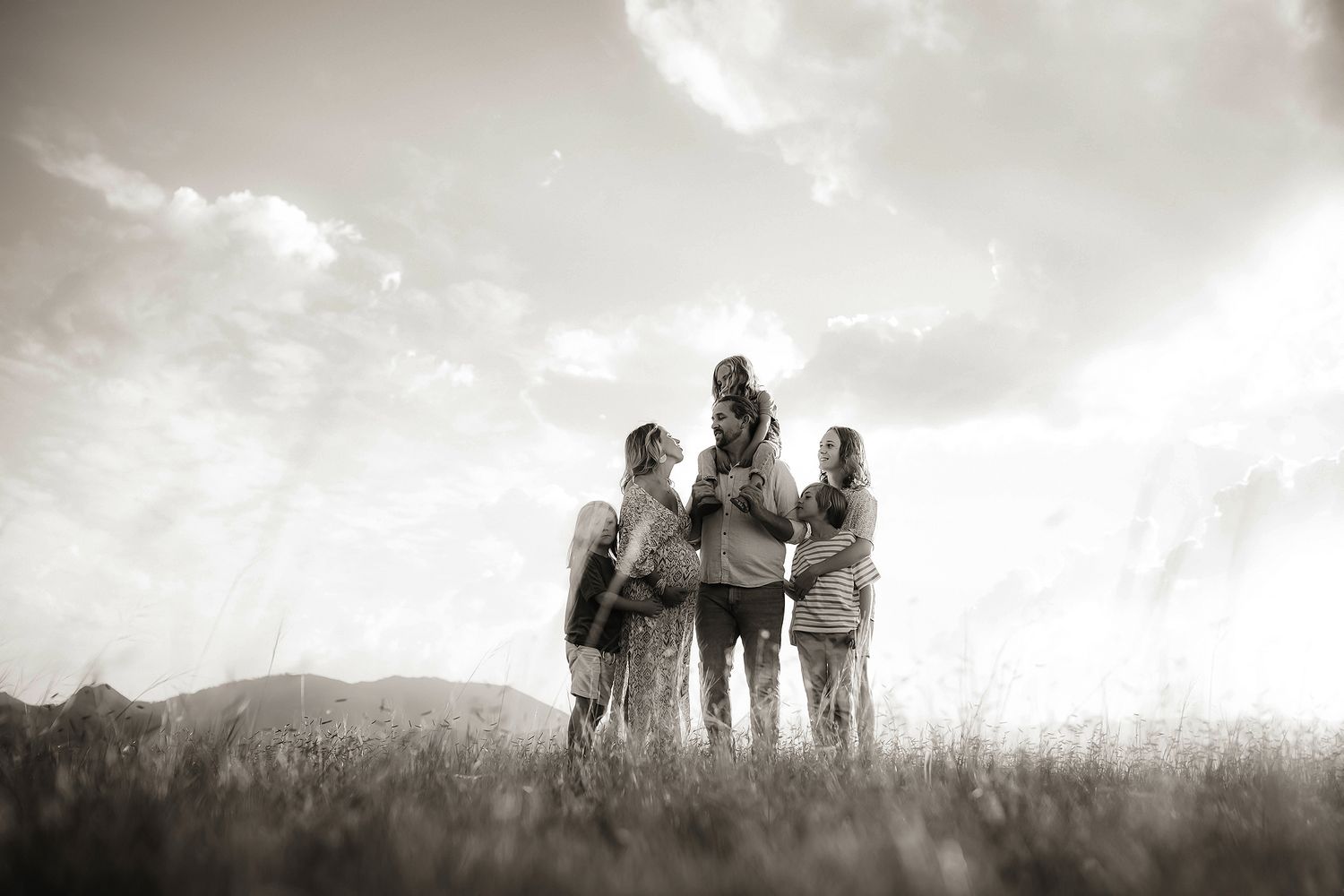
Untamed
Black & White Lightroom Presets
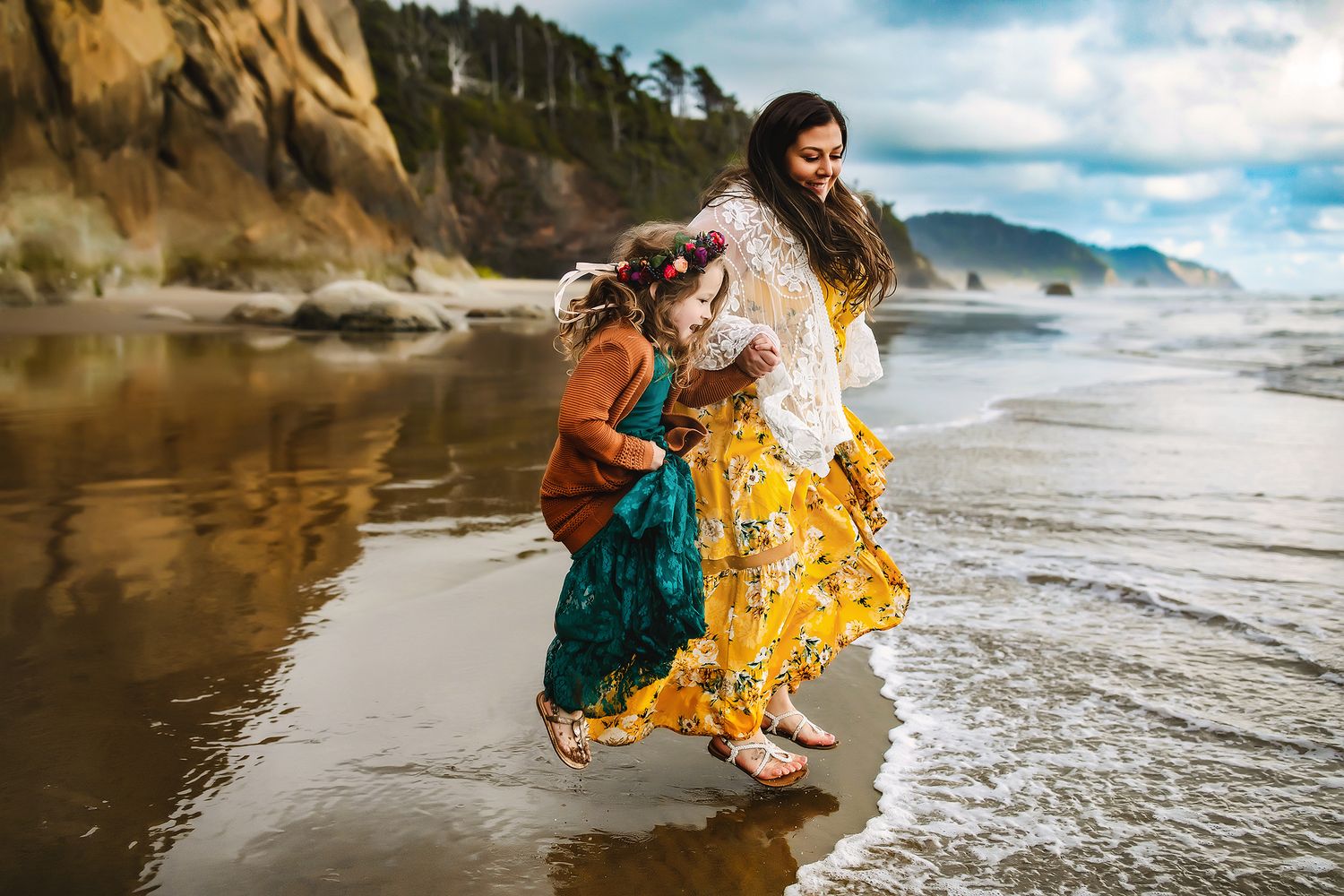
I want them all
The Entire Collection bundle
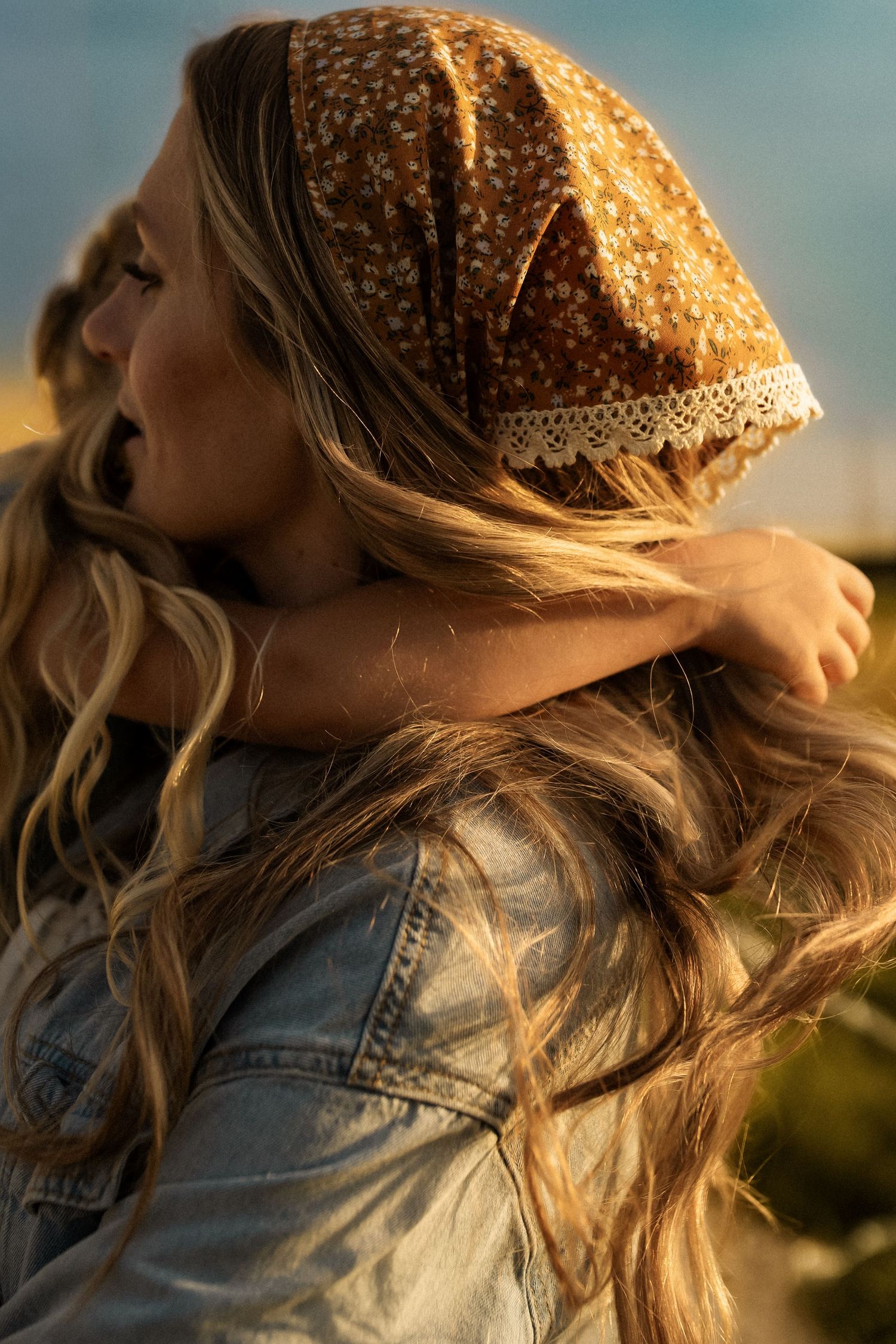
Tapestry
Photoshop ACtion Collection
Please note that due to the digital nature of these products, no refunds are permissible. Please be sure you have the correct program compatible with each set of actions or presets before purchasing.
FAQ
What is a helper action versus a creative action?
A "helper" action is designed to "help" certain aspects of your image. They are usually very simple in nature and target one area such as color, contrast, or particular areas of your image such as the landscape or sky. Some of these actions are brushed on using masks, while others are an adjustment layer or series of steps to creatively accentuate your edit.
A "creative" action is a bit more dramatic in nature and changes the entire feel of your image when you click play. This action is going to change the tones, light and contrast in your image and is best if tweaked. I usually pull down the entire opacity of my creative action after running it. I also like to stack them but usually only use them on 20% opacity if I do this.
How do I install photoshop actions into my program?
For your convenience there are directions included right in the download that help you get your presets or actions installed quickly and easily. You want to make sure you have the proper program before purchasing as Presets sold in my shop are for Lightroom and Actions are for Photoshop.
Why am I getting an error when running my action?
This is typically because you are not running the action on a flattened image. Make sure to flatten in between using to avoid this. When running any action you also want to run it on a background layer.
Will my Images look exactly like the previews?
No, and that is the beauty of these. Each image you take will vary from other photographers because your settings, gear and lighting is unique to you. A preset or action is a prerecorded set of steps and do the same thing every time, but since your work may be different than mine, the changes may feel a bit different. This is a good thing because you can create a workflow and style all your own. The tones and such will be similar if you are starting with good exposure and white balance. You can also tweak this to make it look best for your image. I highly encourage you to play and experiment. These are designed to be easy to change or tweak for this reason and can be adaptable to almost any style.