Photoshop Action Collection
Muse
-a person or personified force who is the source of inspiration for a creative artist.
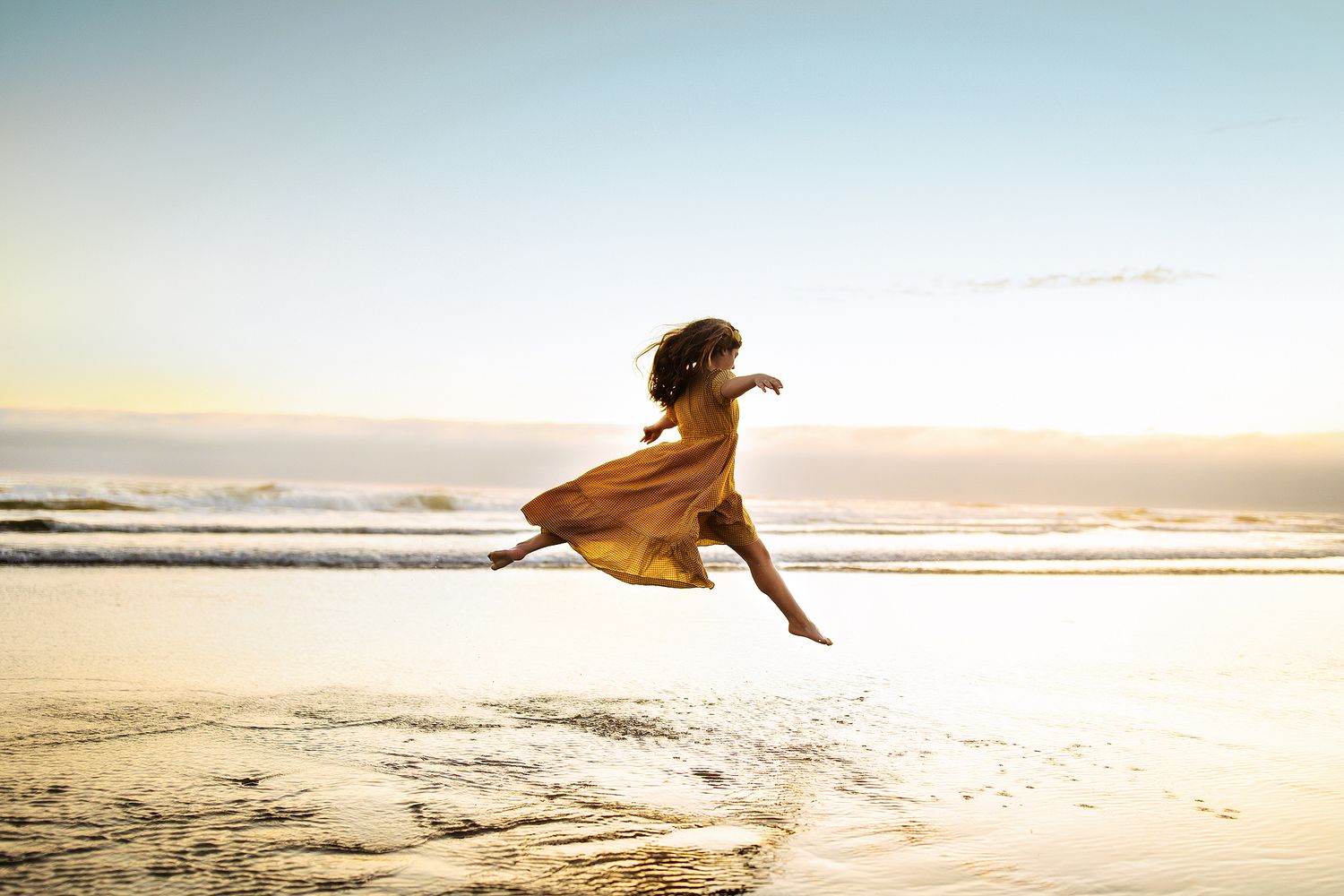
As artists we always aim to evolve and grow. This Photoshop action set was designed to bring your work to the next level by infusing mood and color and light and heart into your work. These actions are completely buildable and can be as soft and gentle or deep and dramatic as you like. They work seamlessly with all of my other collections. There is a mix of both creative and helper actions so if you are looking to change the overall tone or you want to build onto your existing workflow, this set is designed to do just that. They are meant to be personalized and customized and made all your own. I created this set because I was in a stagnant place and looking to push myself out of my comfort zone. To this day, this set has become one of my most used in my own workflow because of this.
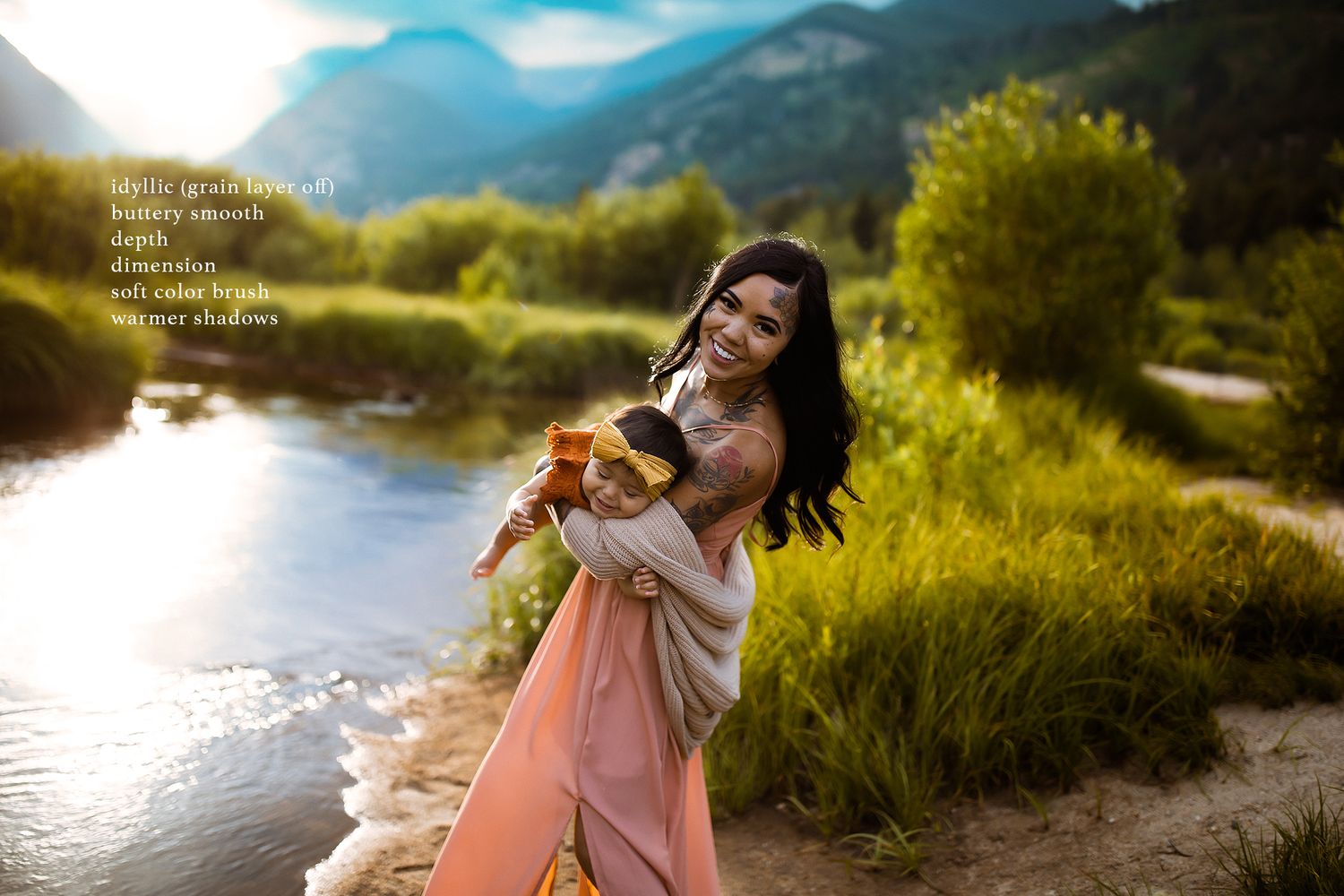
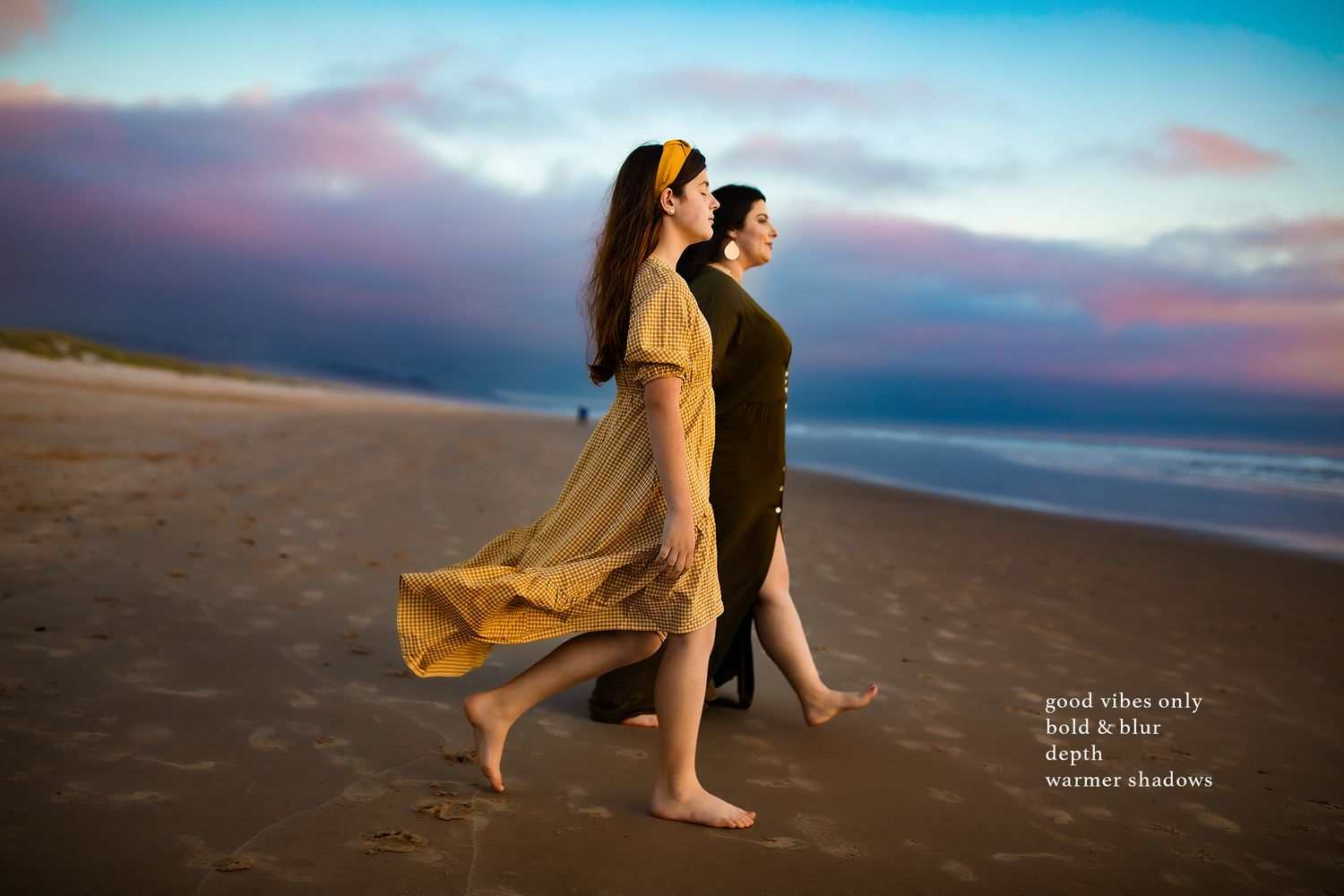
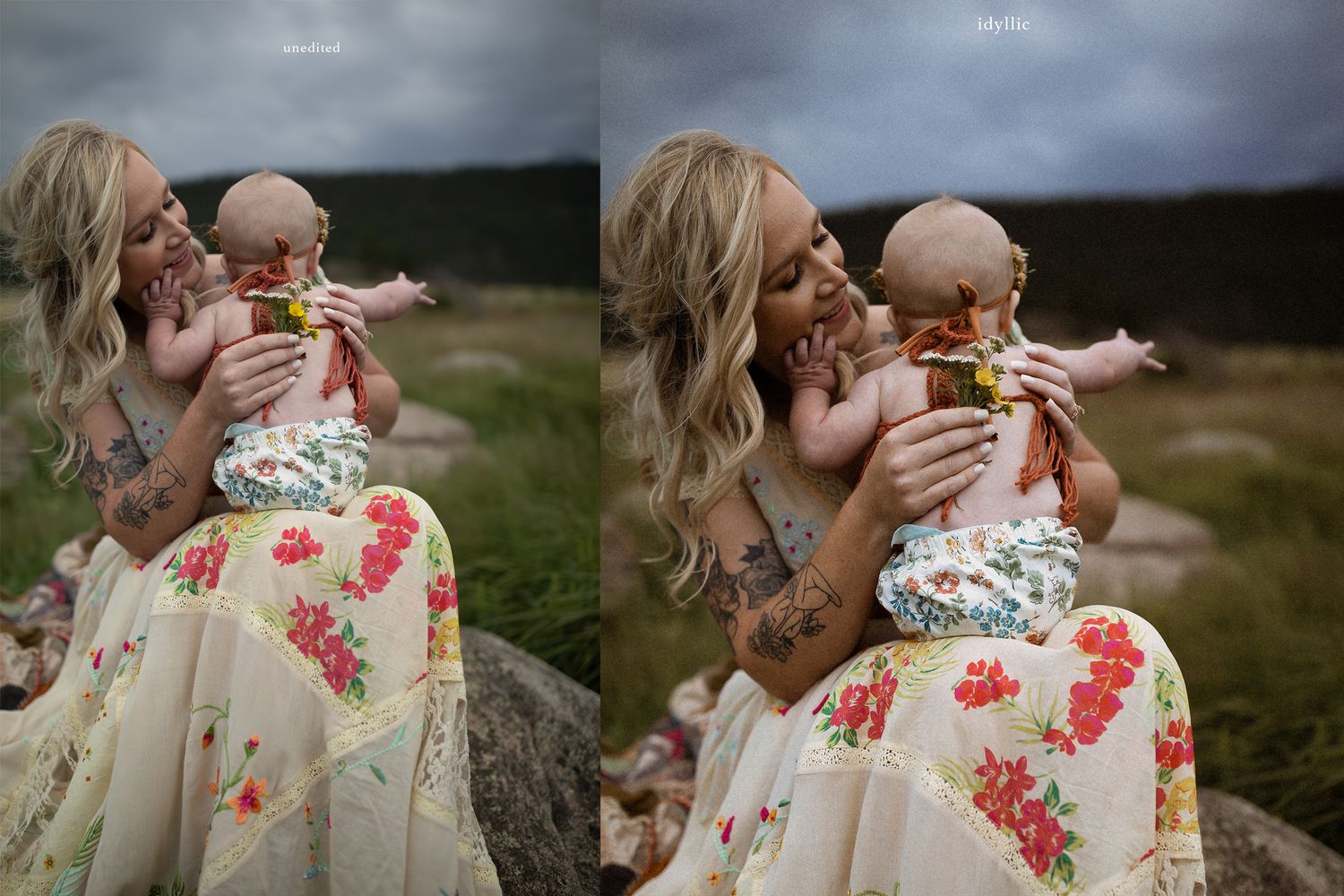
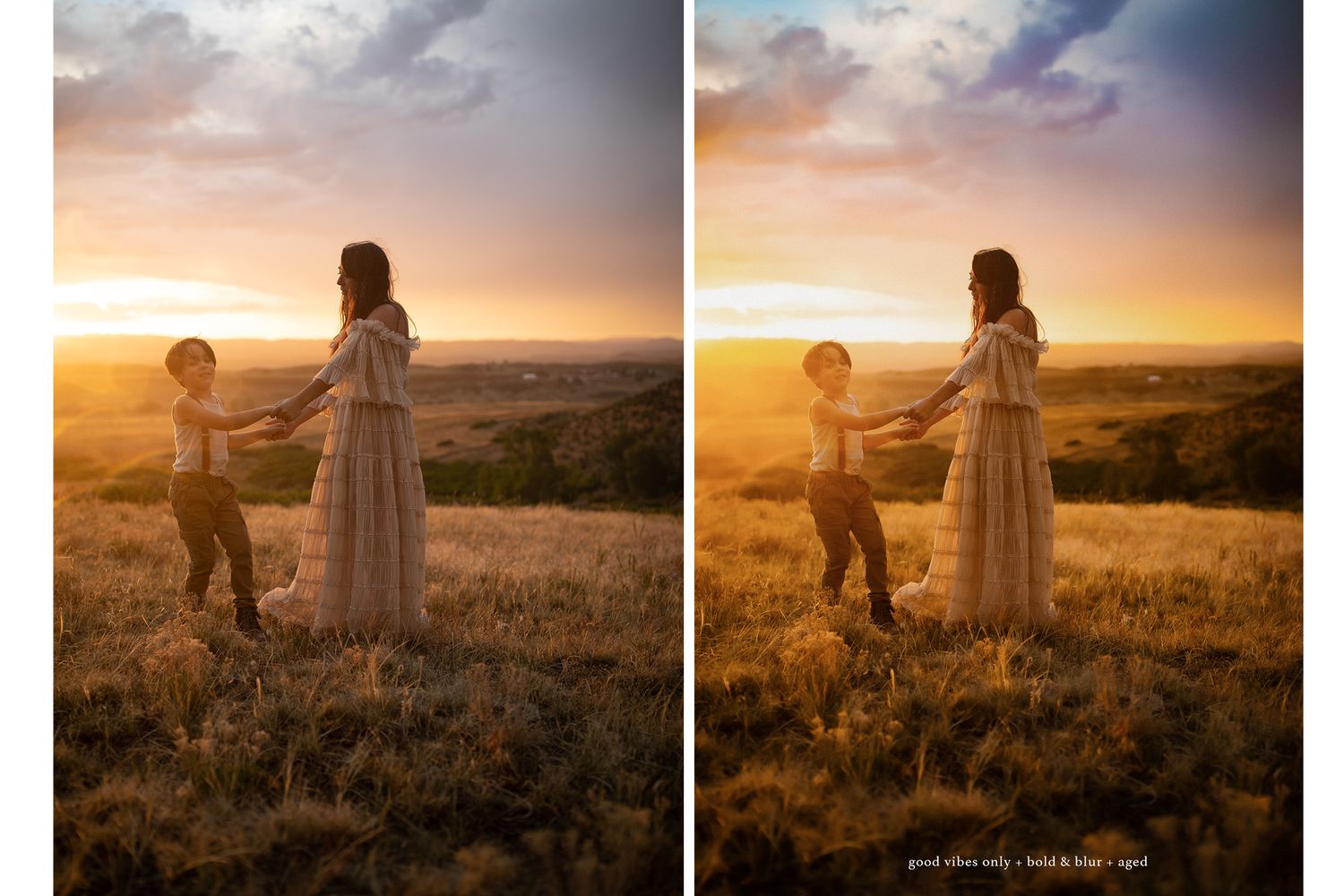
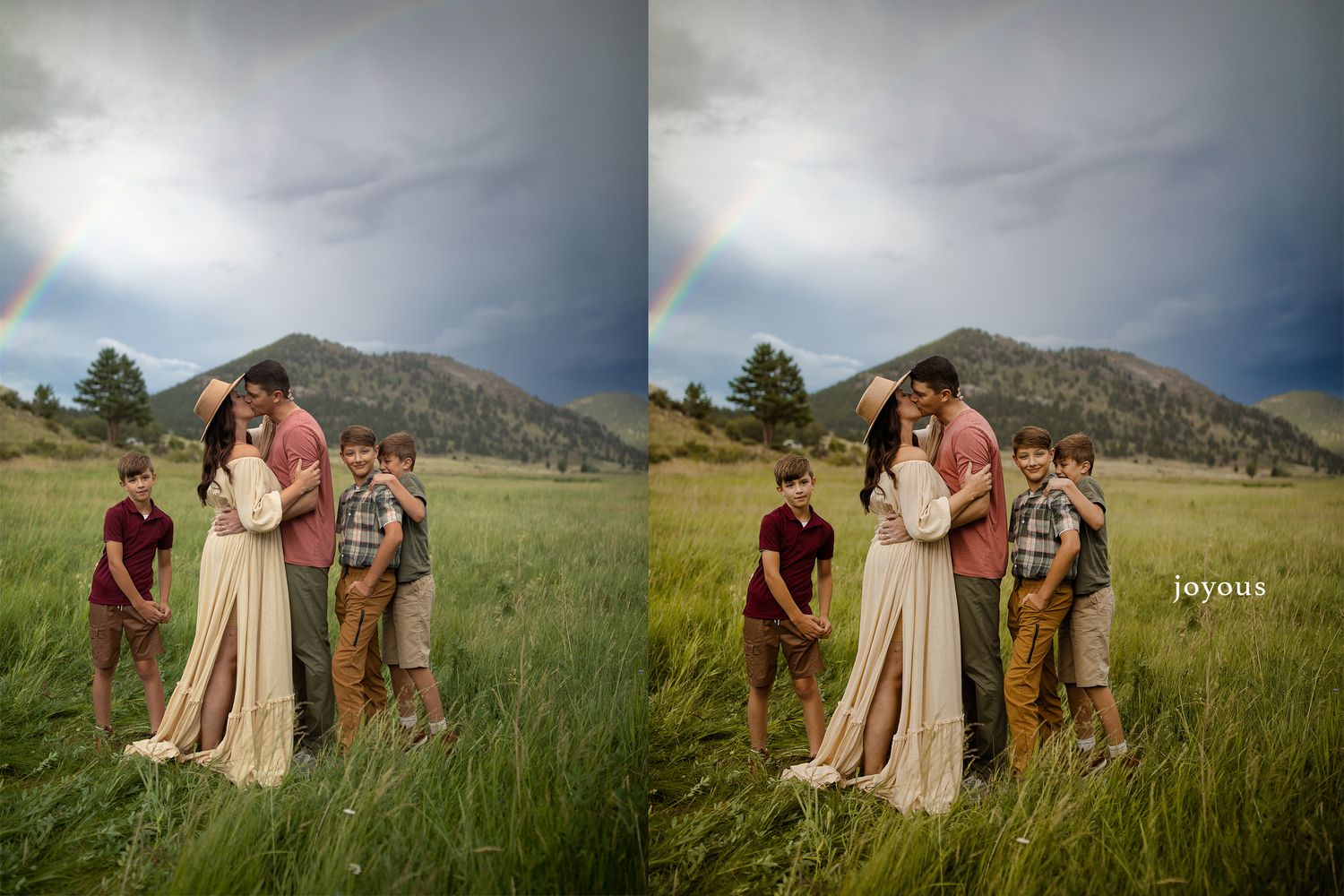
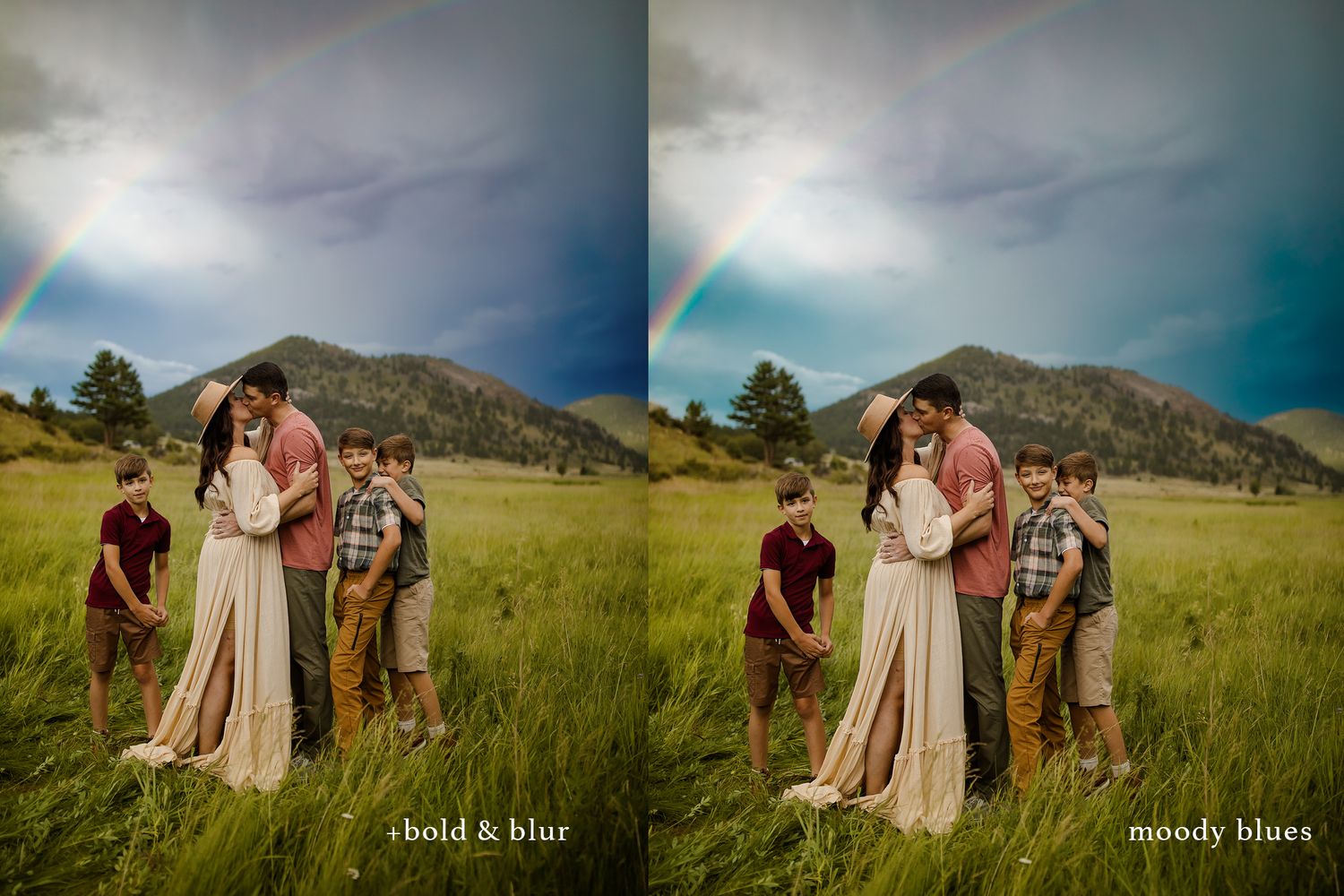
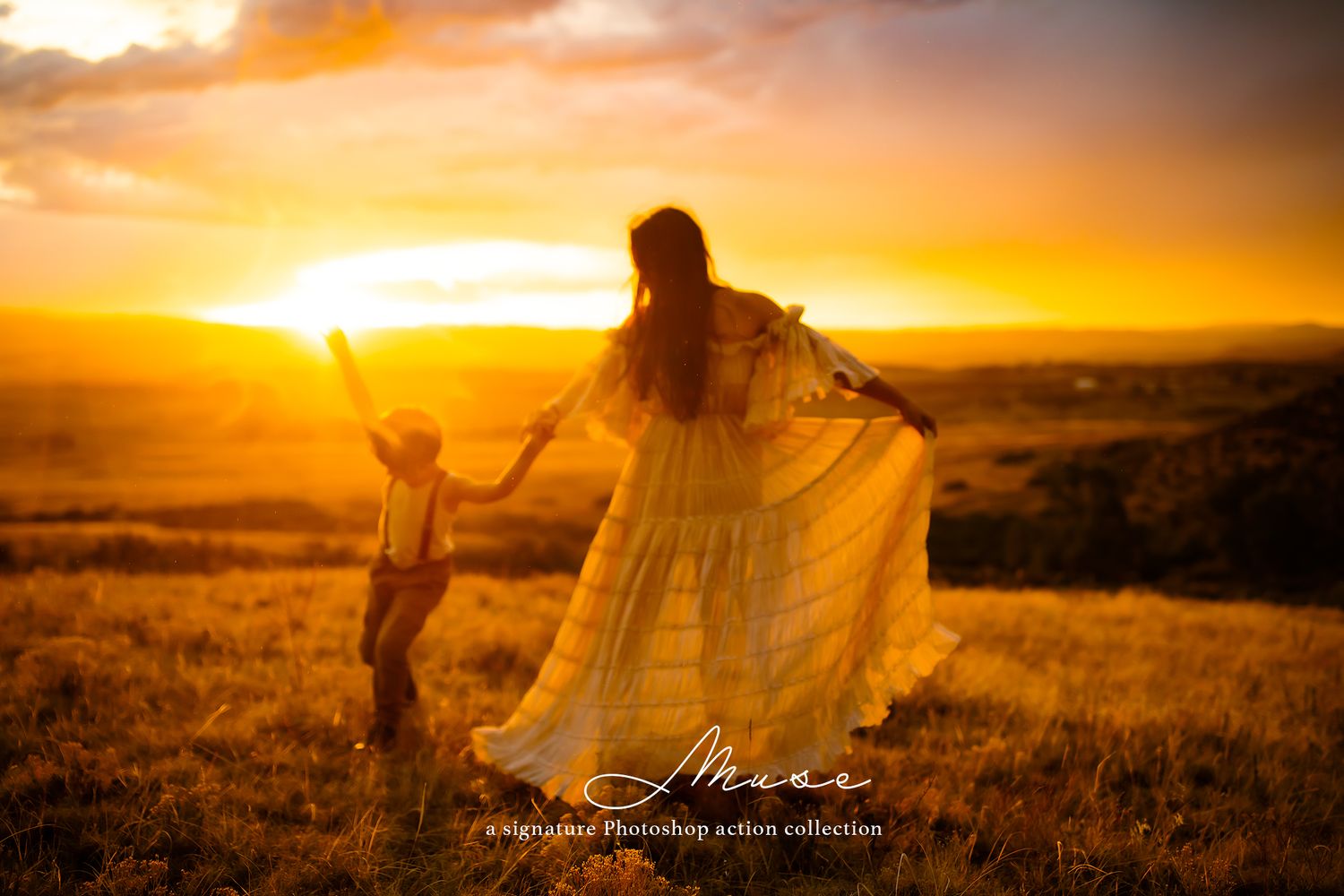
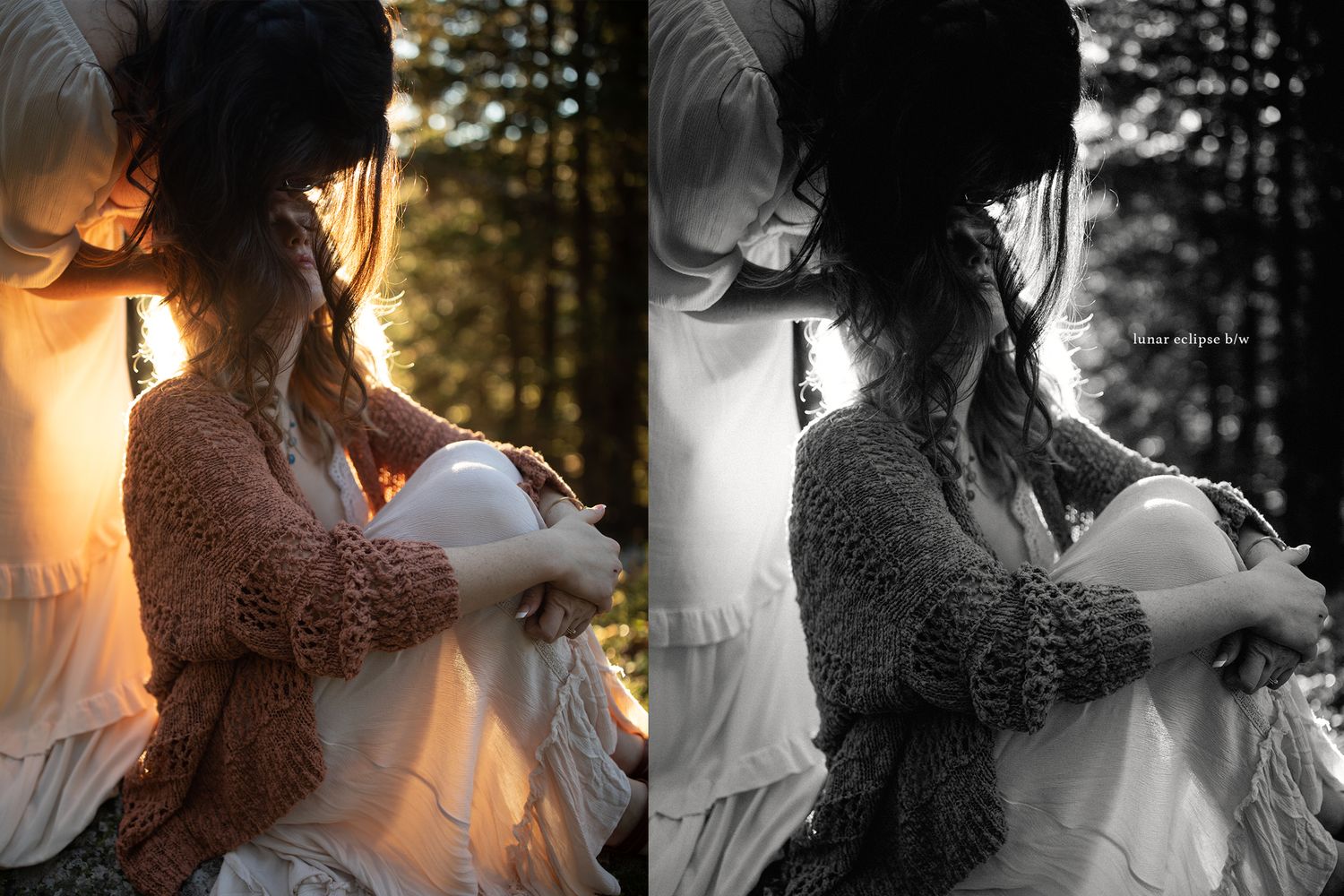
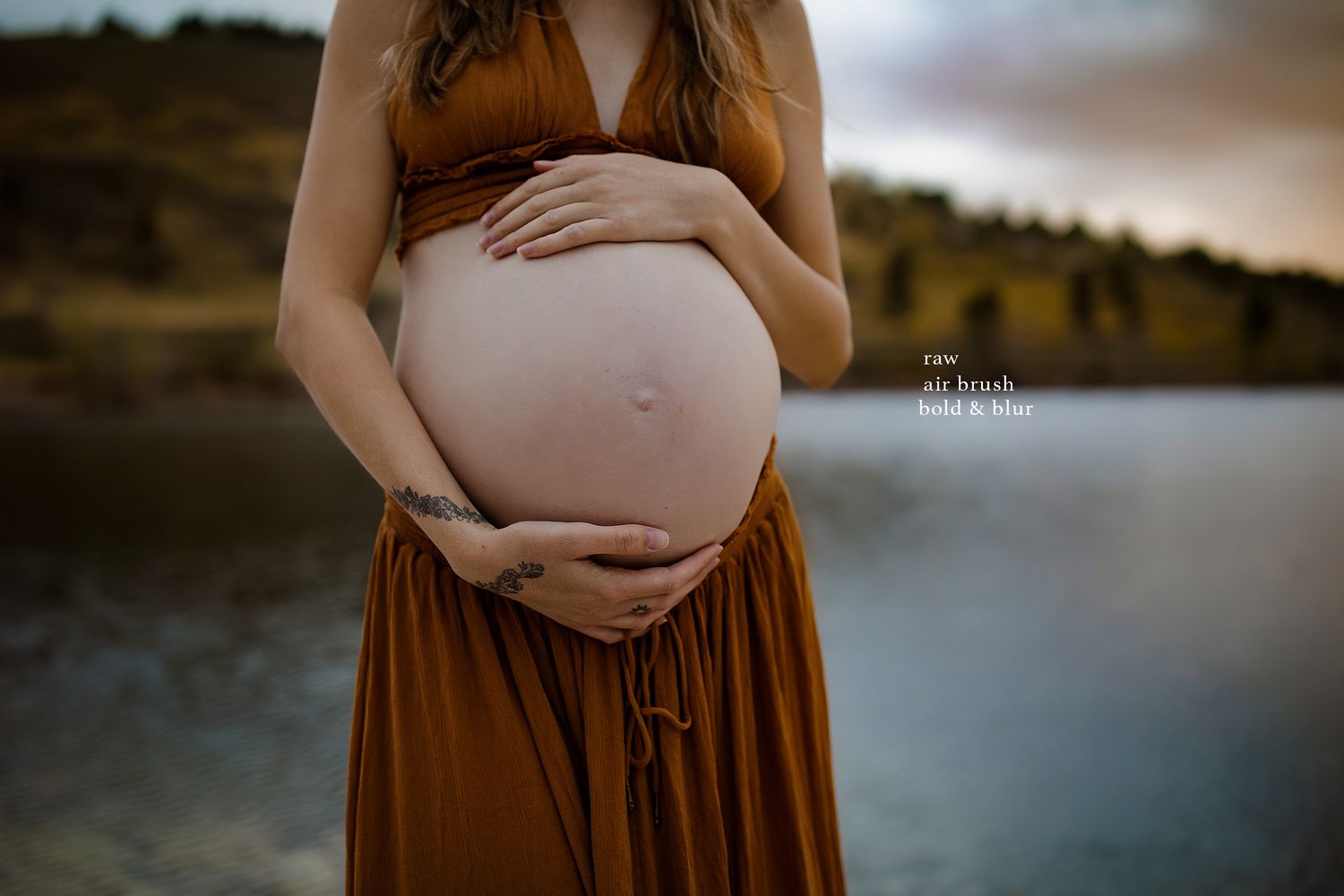
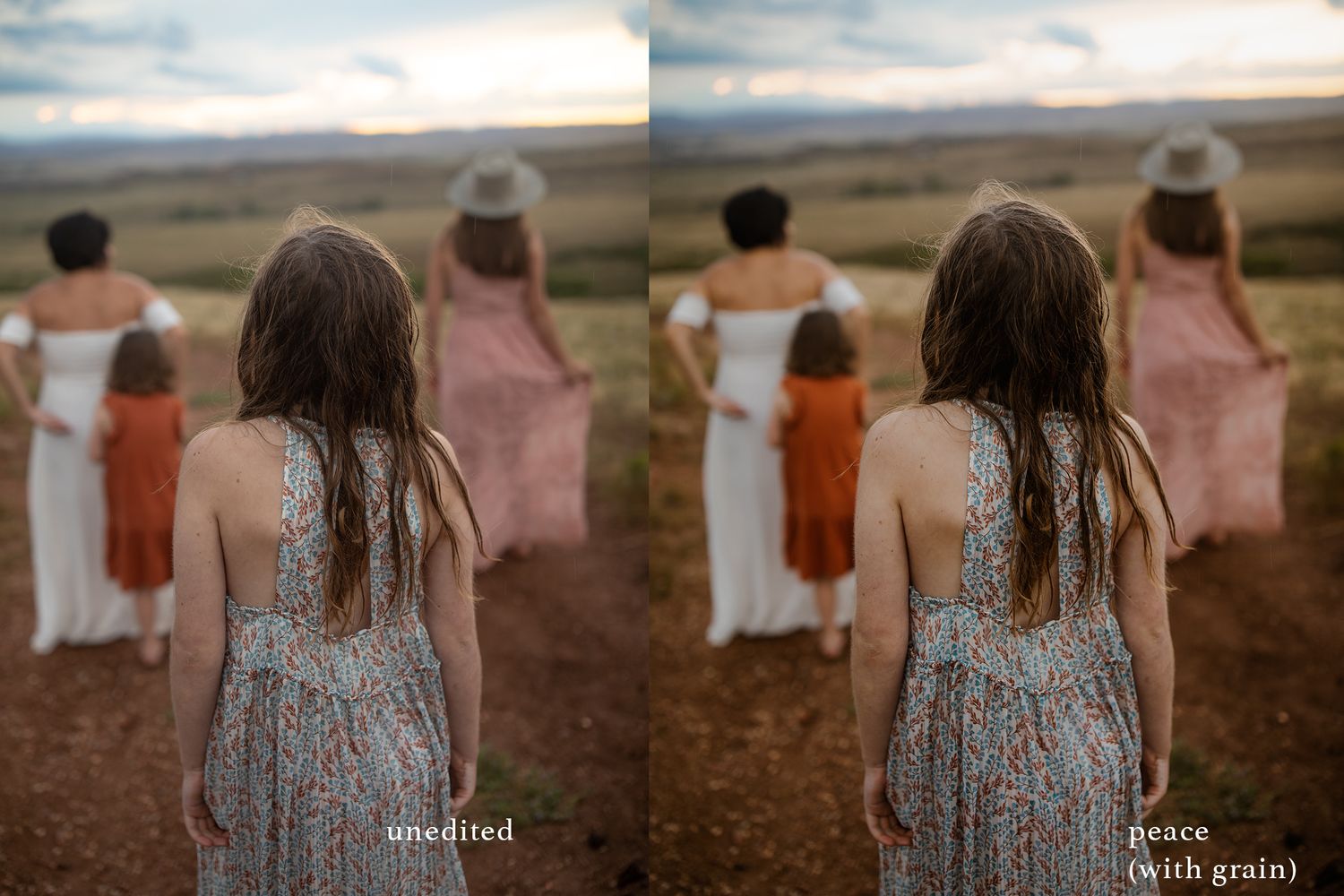
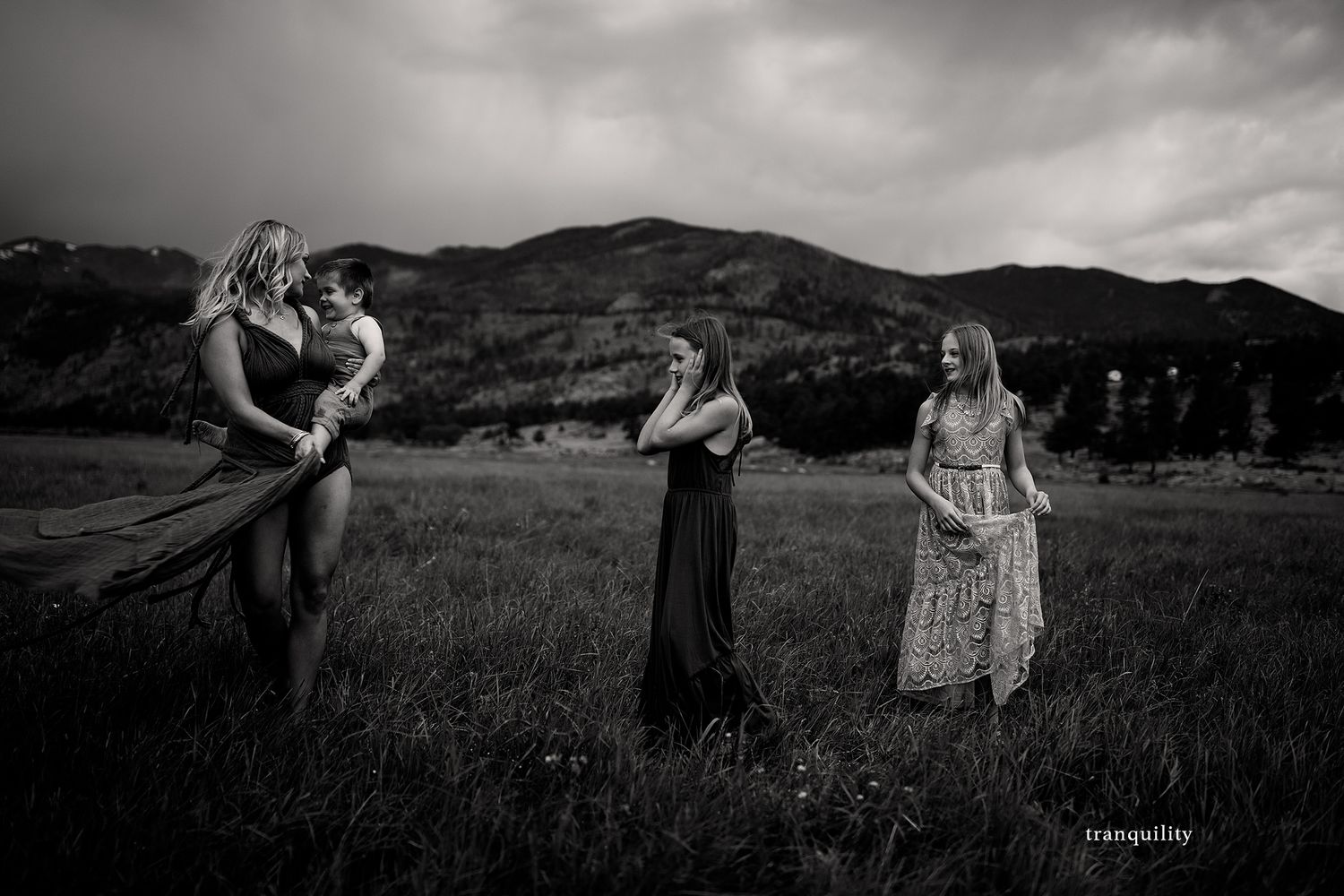
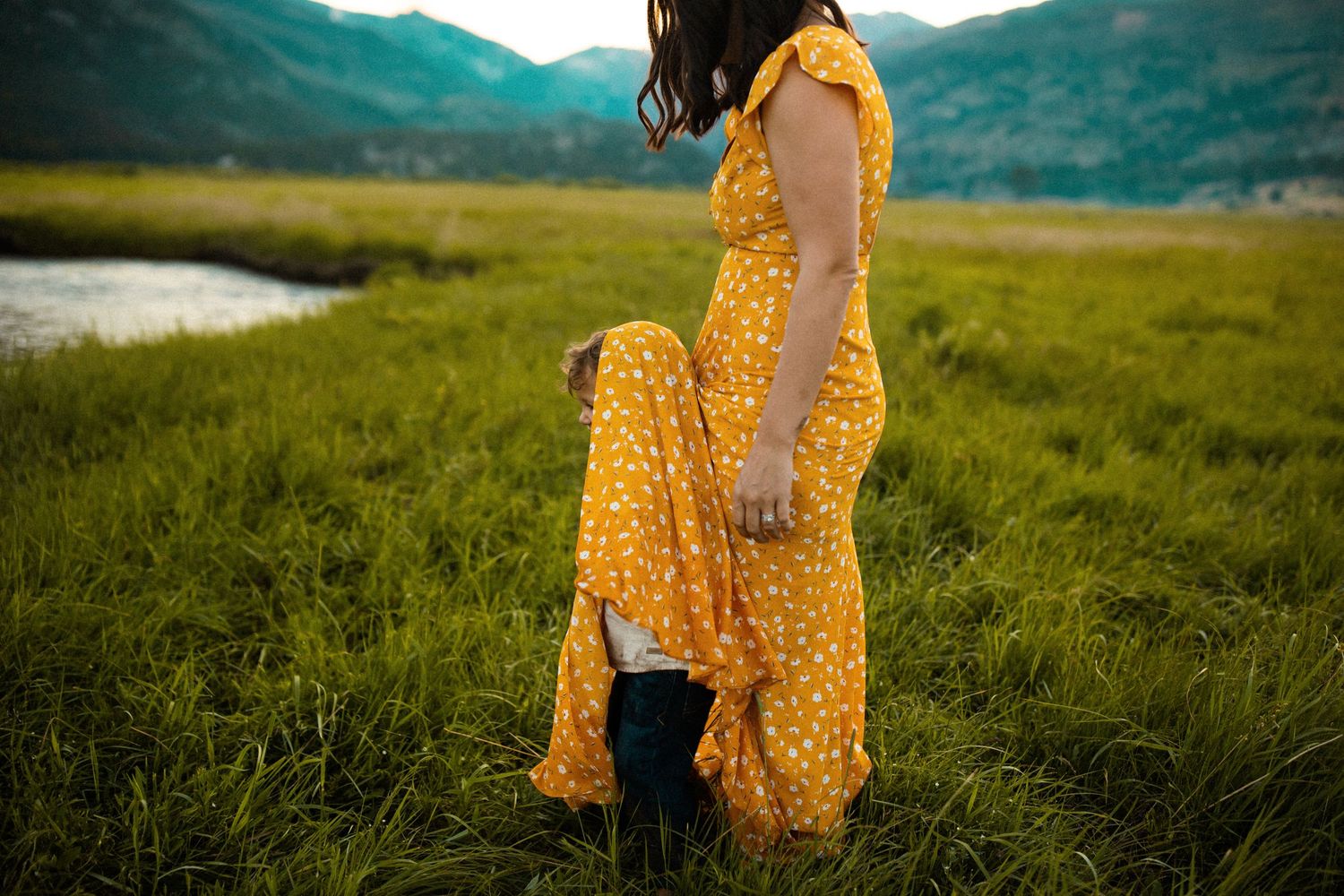
Included are 33 Photoshop Actions in total.
11 Creative Actions:
These can be used alone or with helper actions to intensify the feel or personalize your edit. They are all easy to tweak. You can also run most of them more than once or together if flattened in between with a lower opacity for a stronger effect. The key is to make them your own.
3 grain color actions (grain is optional and can be turned off in most of these options.)
6 color actions ranging from bold and colorful to soft and cleaner
2 black and white actions- One dramatic conversion and one softer one with a hint of grain.
Aesthetic (grain + good for golden hour) , Good Vibes Only (contrast + color), Hope (softer and warm) , Idyllic (grain with creative tones), Joyous, Lunar Eclipse B/W (grain infused), Peace, Raw (soft, clean grain), Simplicity (clean and colorful), Tranquility (bold B/W with deep contrast), Wild (Warm and colorful.)
22 Helper actions
Aged (grain that flattens highlights and can be used on ANY edit), Air Brush (not just great for skin smoothing but brushing on the background for a creamy creative effect), Bloom brush (brings out pop and color in your images), Bold and Blur (a staple of my workflow, I use this on almost every image I edit.), Buttery Smooth ( gives the entire image a bit of contrast and a gorgeous smooth feel), Color Shift (warms up yellows in your image), Creamy and Colorful, Crispy (sharpen for print), Depth (pulls contrast into your shadows and gives your image depth), Dimension (another workflow staple and used as a brush),
Light Switch (adds light and color), Moody Blues (brush this on the blues in your image for a beautiful effect.), Quick Pop (strong enough to use on it's own. Adds pop to your image),
Razor Sharp (a brush on sharpness great for detail images), Shadow Blaster (great for pulling out stubborn shadows), Shine (a huge exposure boost but can be tweaked down),
Soft Color Brush (a beautiful subtle color action even safe for skin.), Sunny Tone (beautiful for golden hour images),
Warm Color (paint warmth onto your images, also great for grass and landscape tones.), Yummy Tones (a dramatic color action.) Pull out Warm.
Investment
$49
Actions for Photoshop CC
Pro Tips:
A couple quick tips for getting the most out of these Actions
Run one action at a time and flatten in between. You want to ensure you are running these off the background layer to work properly. This means you want your image to be flattened.
Many of the helper actions also include masks so you can paint the effect on right where you want it! Super easy!
Make sure you tweak the opacities and play with the adjustment layers while you find a combo that works for you. For the record my favorites are Good Vibes Only, Depth, Lunar Eclipse B/W, and Bold & Blur right now. I have also been slowly sneaking grain into my work so Idyllic and Aged are new go-tos.