Artisan
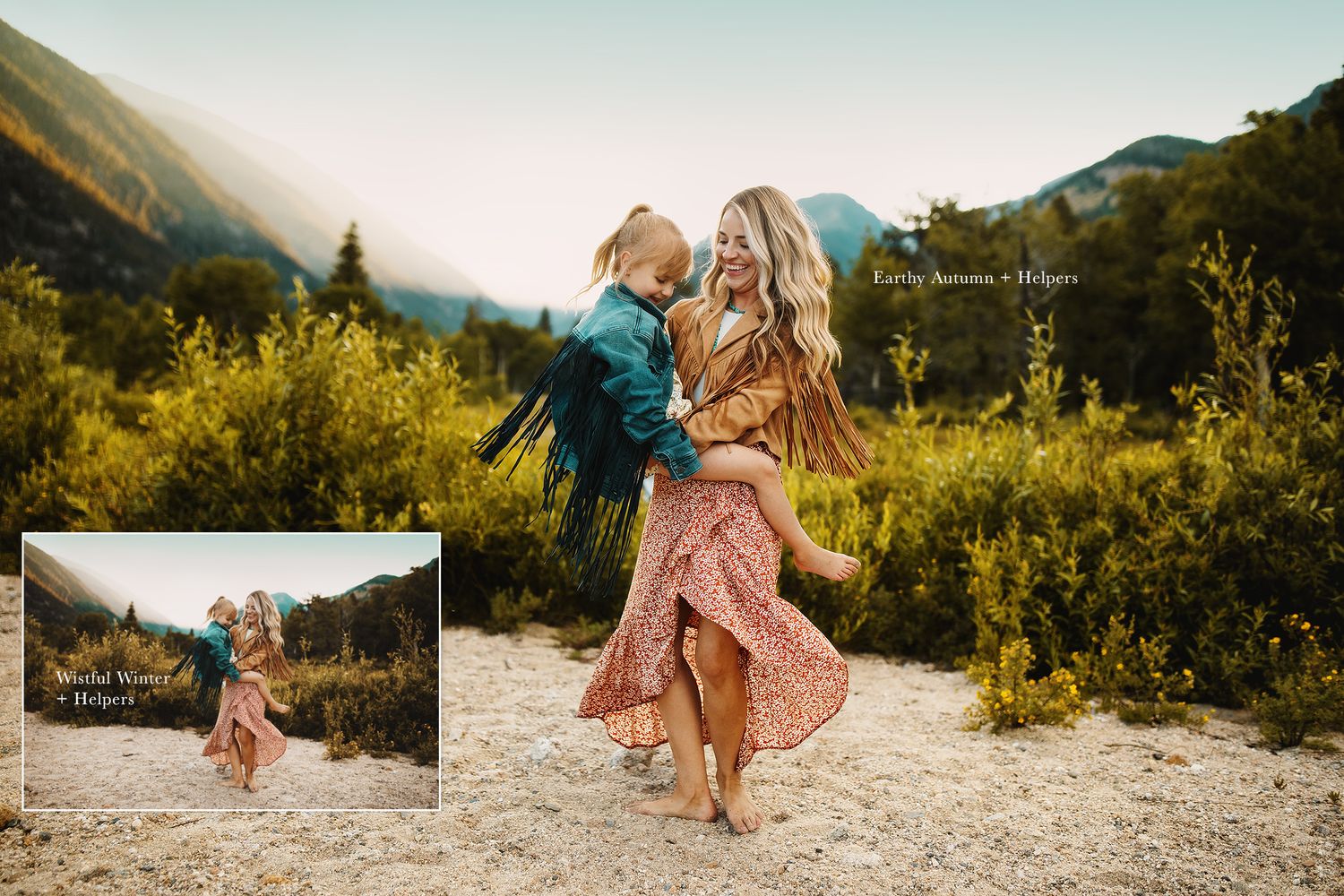
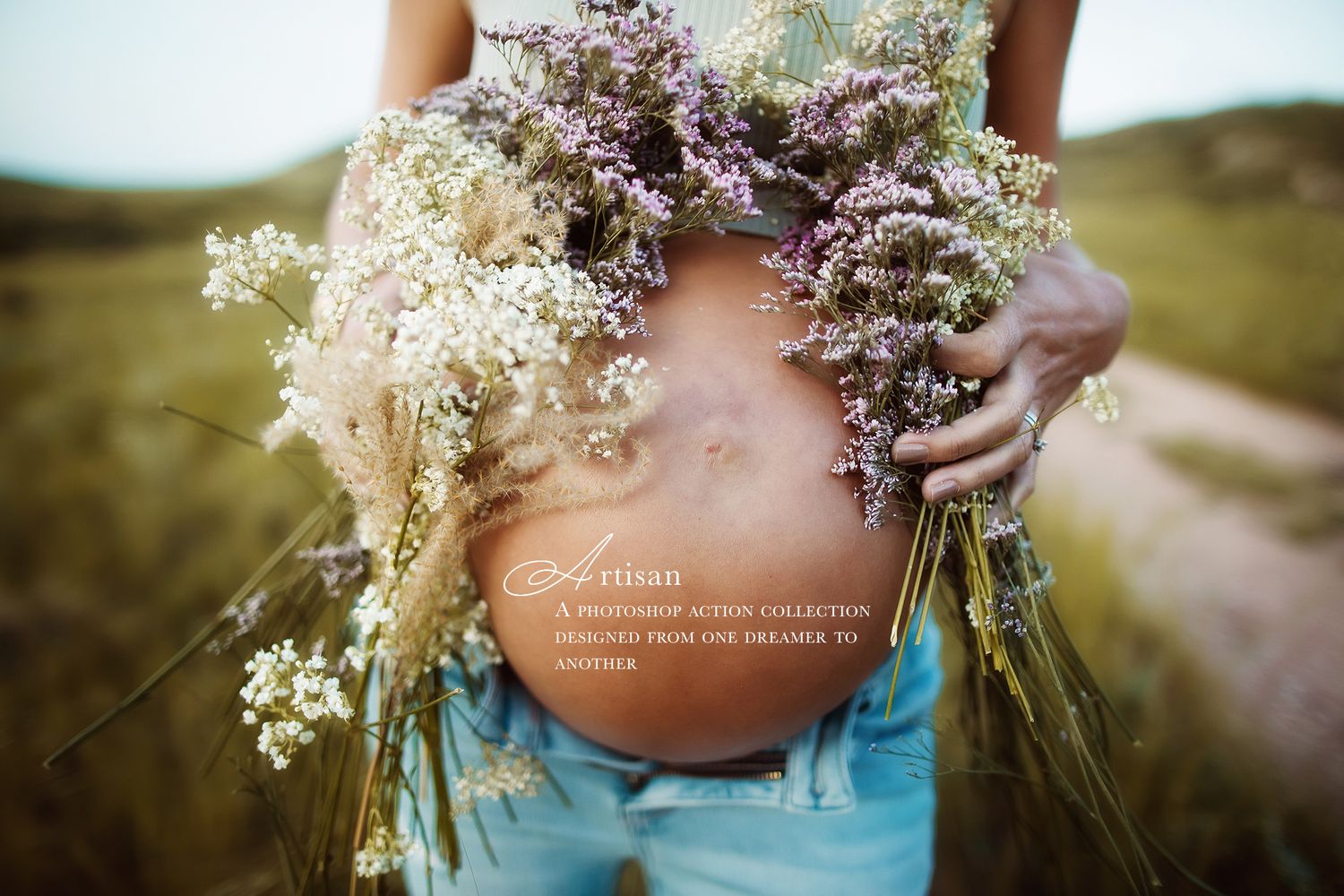
Artisan Is a brand new set of 36 Photoshop actions designed to create harmonious tones and blend light and contrast into your work by giving you the tools to really personalize your processing. These actions are designed for Photoshop CC. They are meant to be combined into your own recipes to bring out your unique aesthetic and honor your voice as a creative. Whether you love bold color and drama, clean and soft dreamy vibes or dark moody tones, these are for you. Think of this set as your very own art kit, designed to really help aid your imagination in culminating the photography you dream of creating.
Included Are:
36 Beautiful, Versatile Photoshop Actions Designed to help you create cohesive, dreamy Photoshop processing.
An educational video on how to best use these and some of my other favorite Photoshop tips. The link is in your download!
Creative Actions:
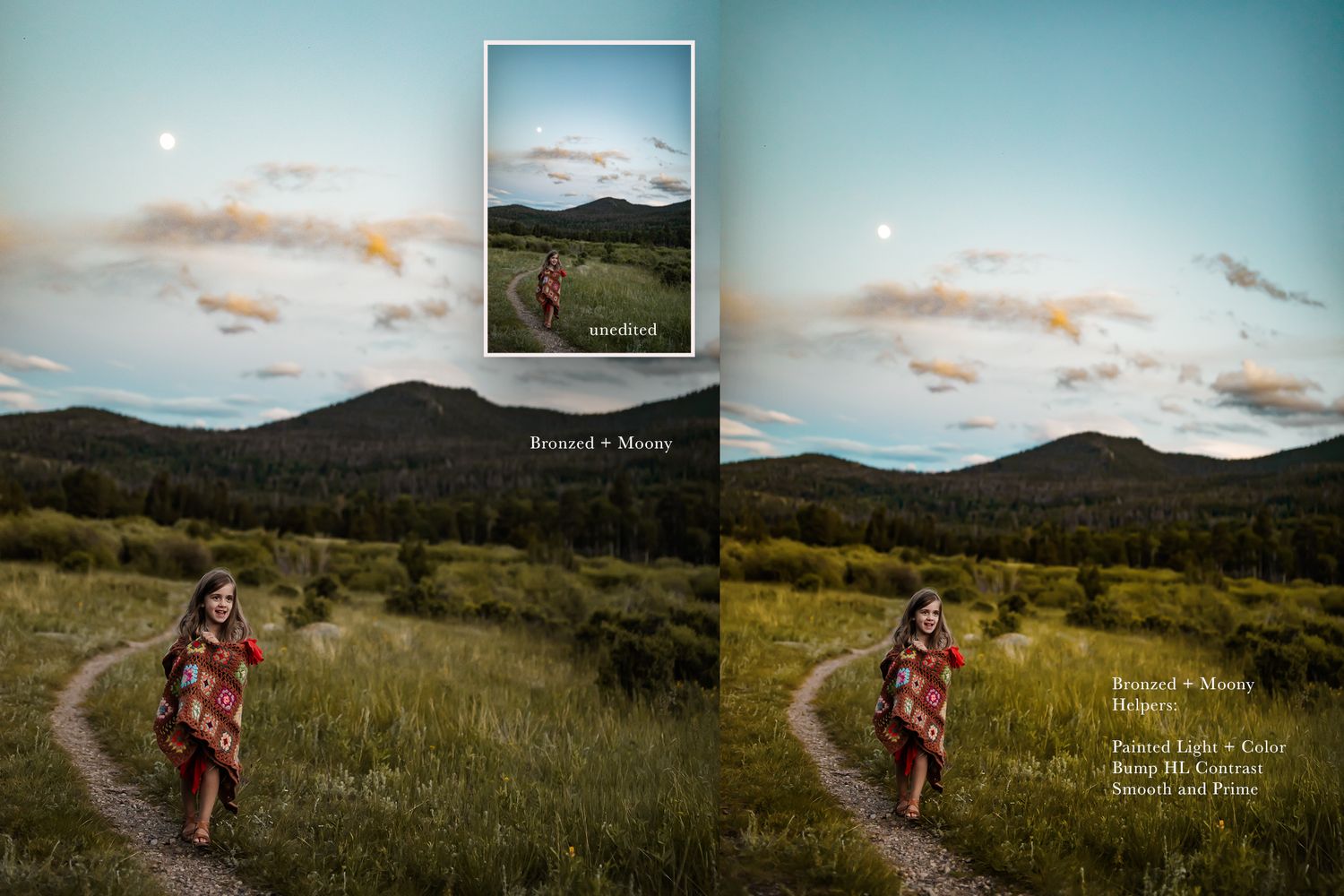
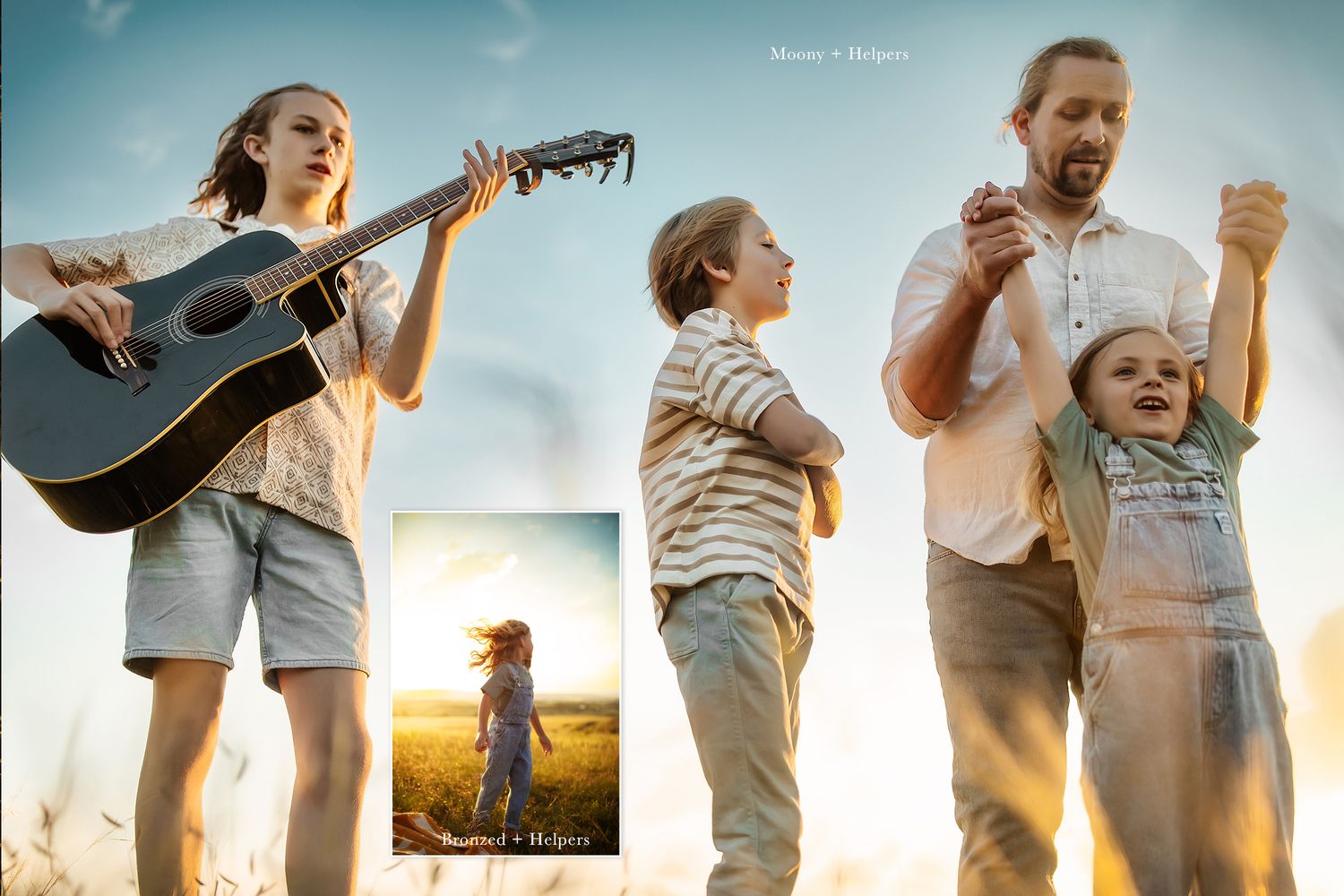
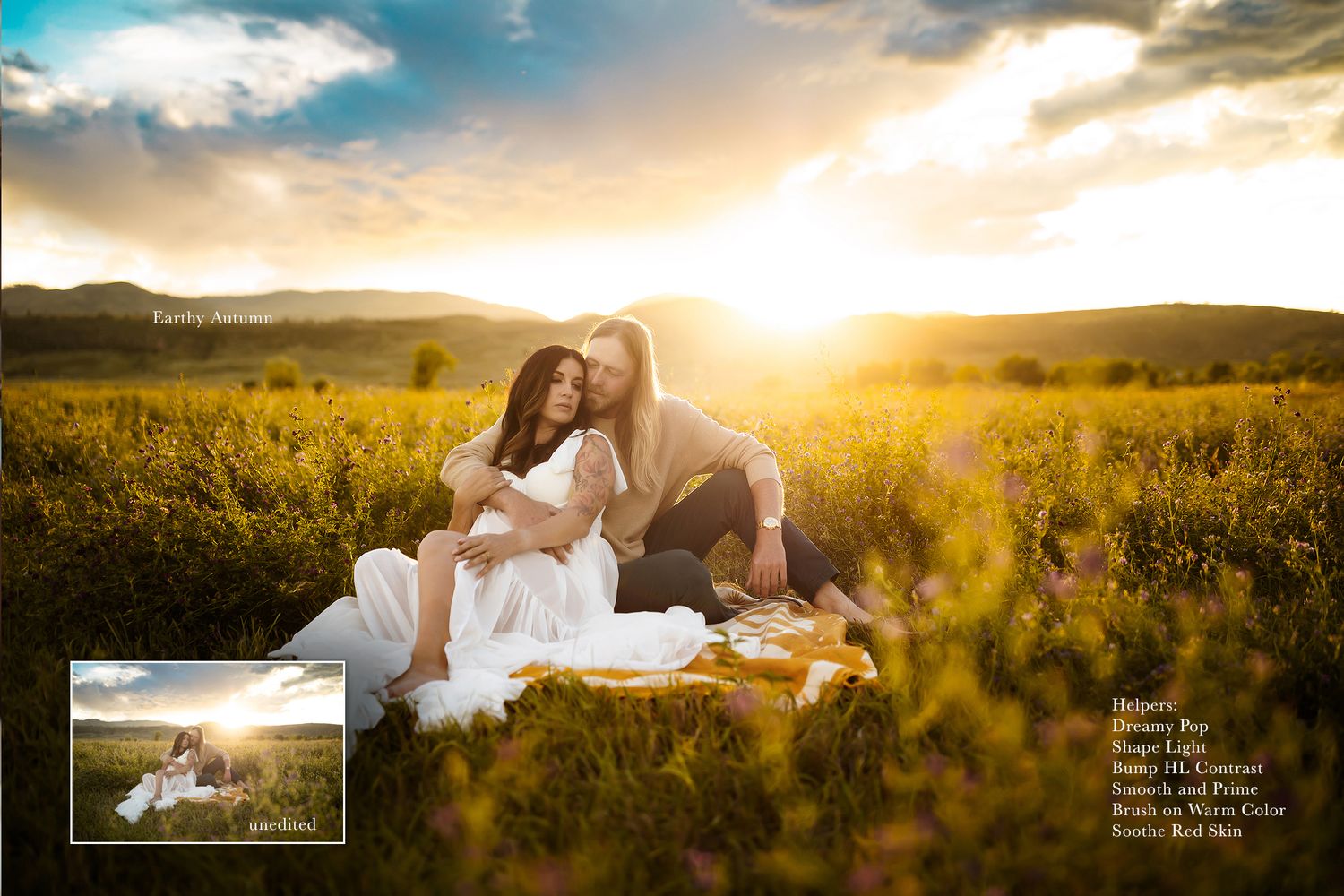
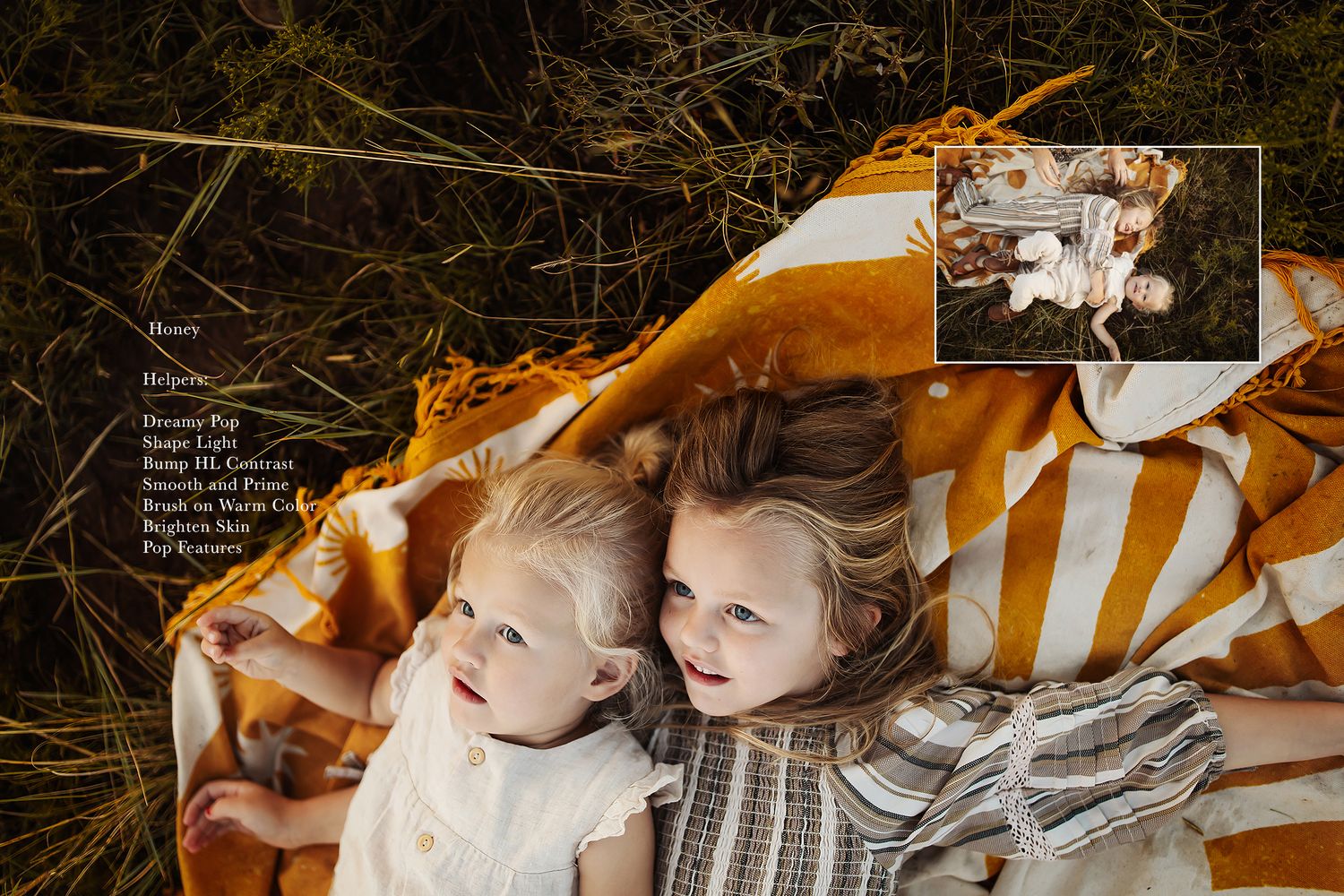
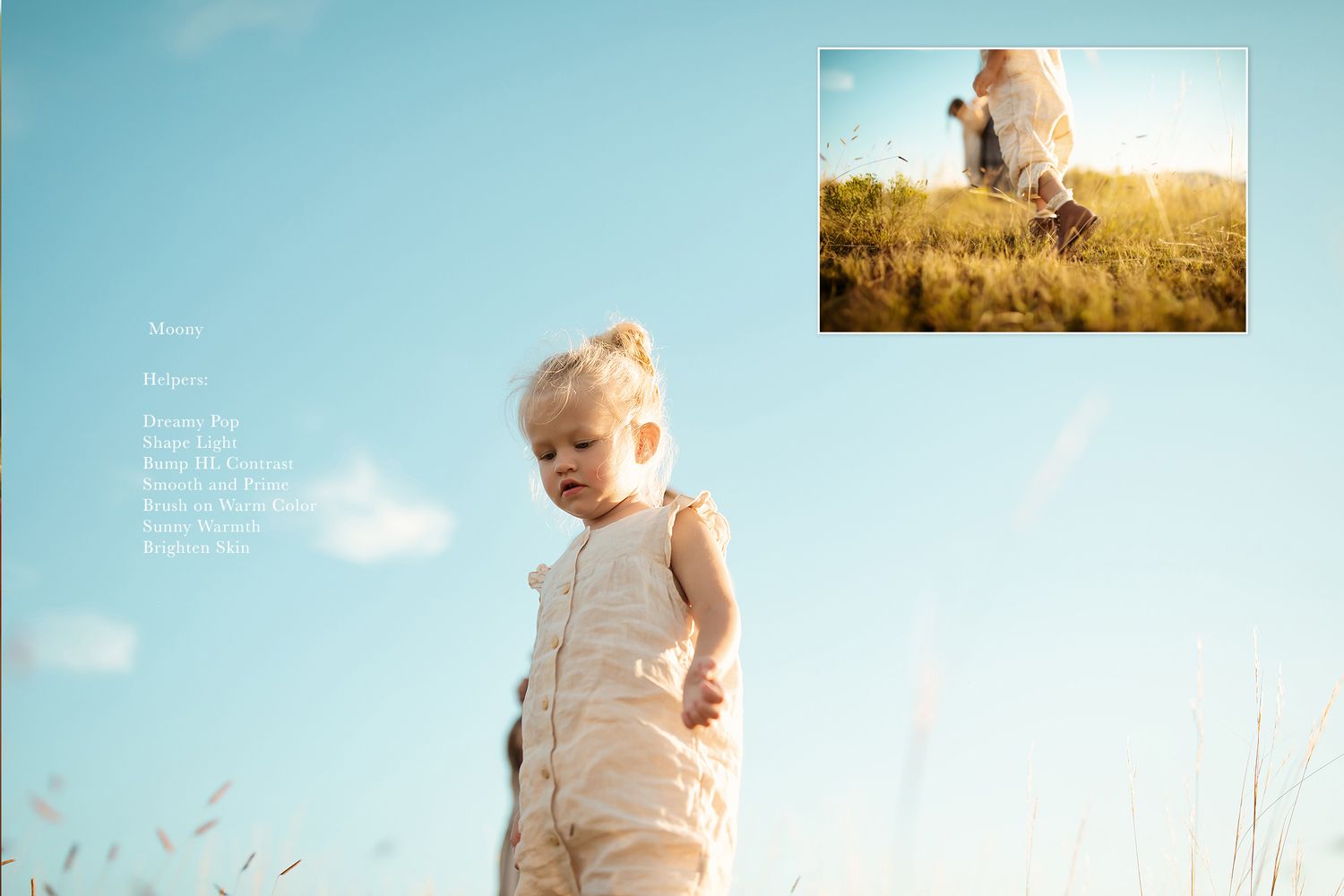
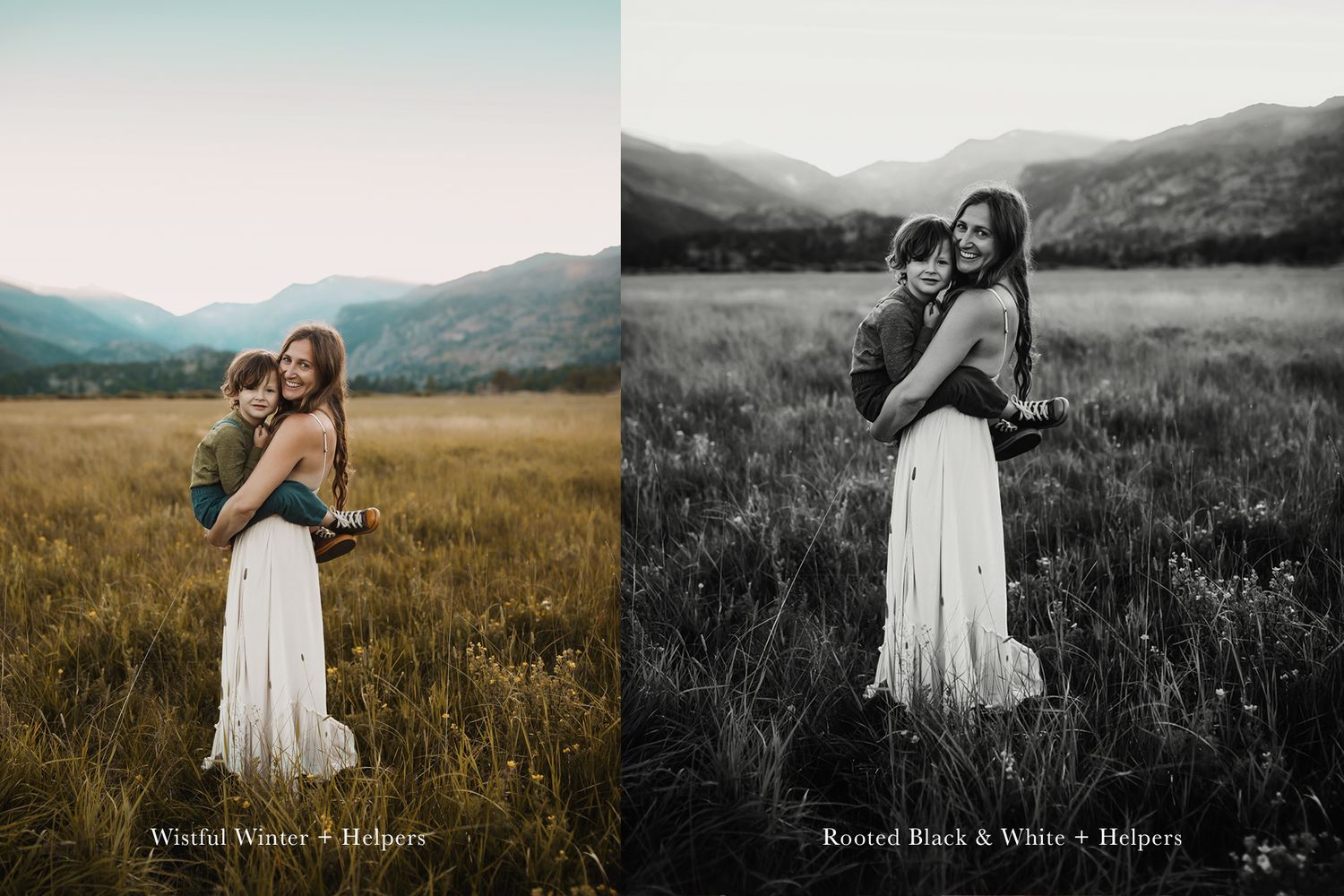
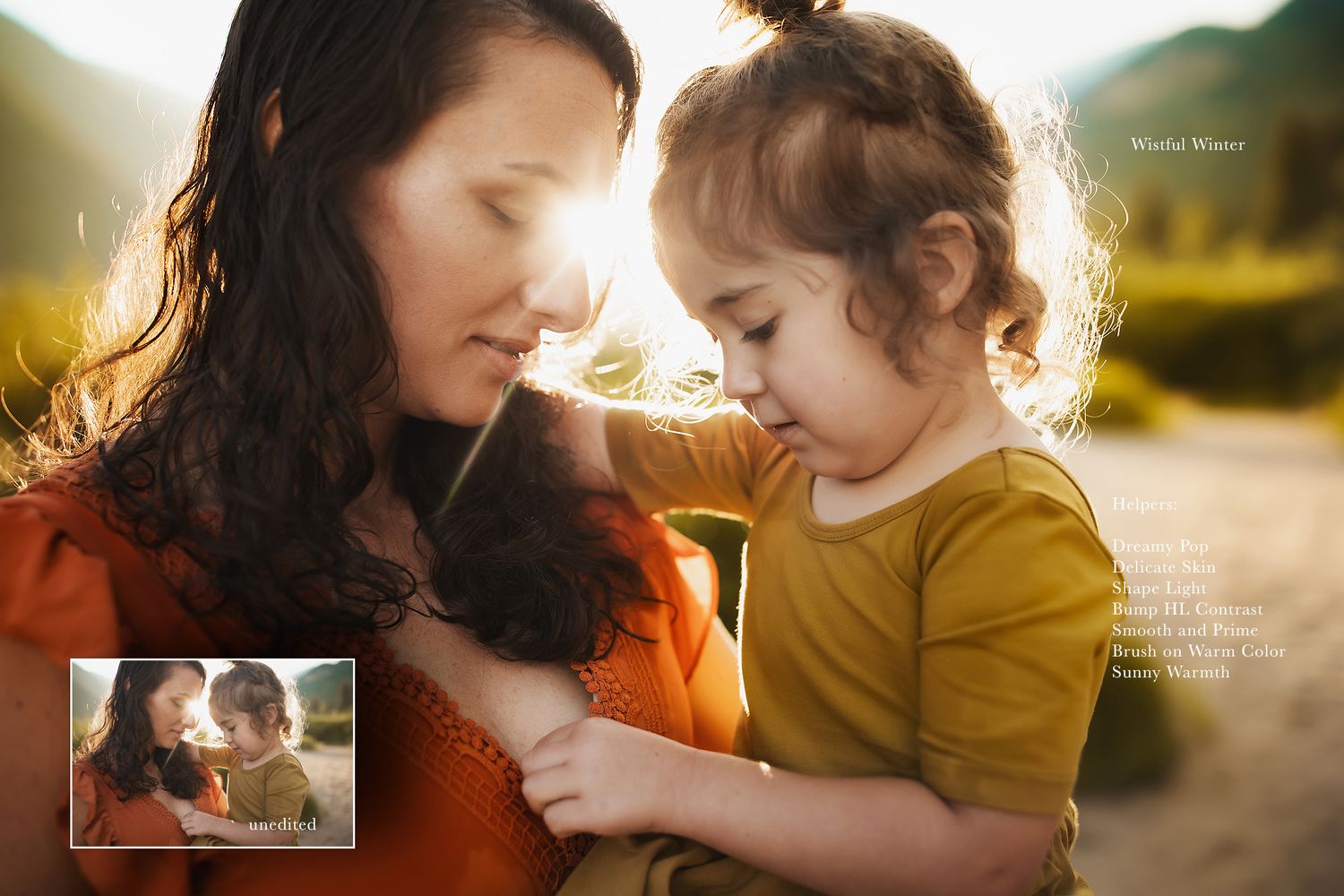
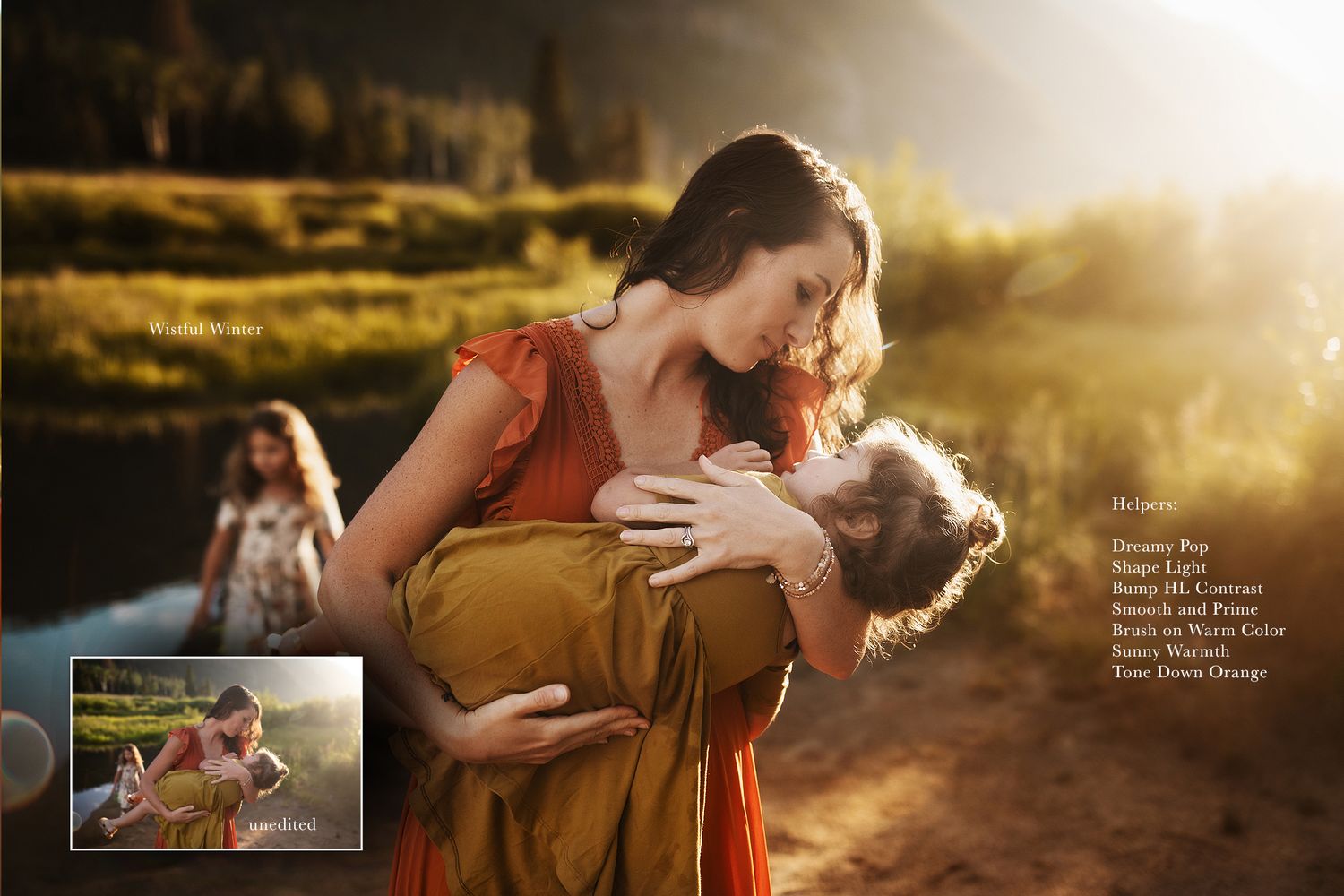
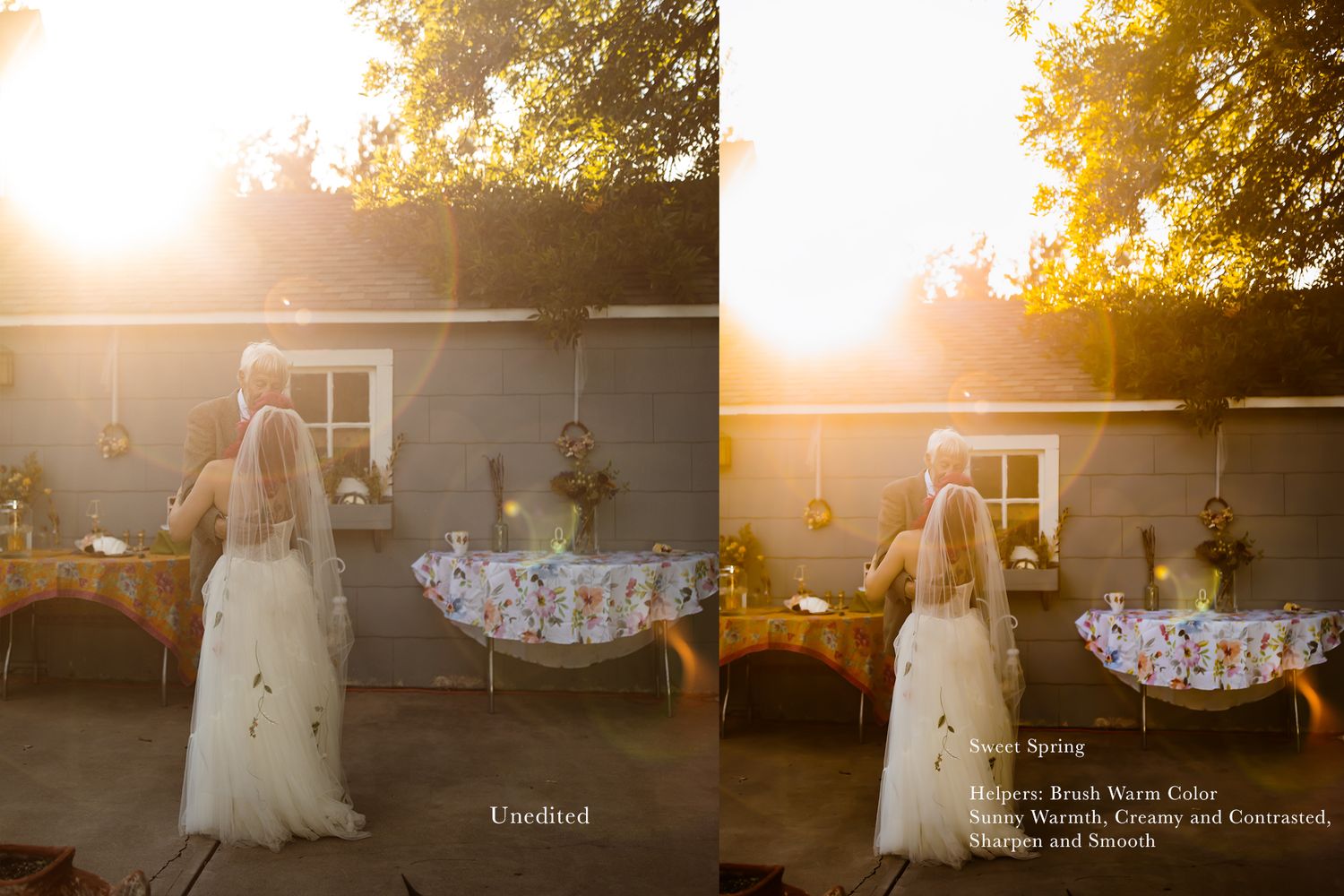
Bronzed / Honey/ Moony/ Rooted B&W/ Sweet Spring/ Soft Summer/ Earthy Autumn/ Wistful Winter
Helper Actions:
Brushed Warm Color//Creamy and Contrasted//Dark Blues//Painted Light and Color//Subtle Warm Highlights//Summer Greens
Sunny Warmth//Tame Wild Color//Tone Down Neon Yellow//Town Down Orange//Town Down Red Cast//Up The Vibrancy//Blur and Soft
Brush out Shadows//Bump Highlight Contrast//Clean Light & Contrast//Dreamy Pop//Milky Light//Painted Dimension//Shadow Contrast//Shape Light
Strong Contrast//Brighten Skin // Delicate Skin// Pop Features// Smooth + Prime//Sharpen & Smooth//Soothe Red Skin

Investment
$49
For Adobe Photoshop CC
Tips on Using these Photoshop Actions
Most of the action names are self explanatory but there are little "stops" or directions designed into most of the actions to share how they are best used. (Side note, If you are comfortable with my actions you can also delete these directions easily once you discover how you’d like to use them in your workflow.)
Make sure to flatten your image in between using these actions for the best result. They are designed to run off the background layer in Photoshop. If you do not run the actions on a flattened image you will get an error.
You can use these alongside any current Photoshop Actions you own (even if they are not mine.) The key to a good outcome is making sure your image starts with good light, white balance and exposure.
The "creative" actions in this set are designed to be subtle so that you can combine them and build on them easily. They help establish the tones and the way the light is shaped.
The "helper" actions will breathe life into an existing edit. You can also use these to build an entire edit or focus on one single element in your image. You can also use only the helper actions to create a full look or creative edit.
They are designed this way on purpose so that no matter what your voice or style is as a photographer, you can fully utilize them to their potential.
They are also meant to help speed up your workflow or polish your existing images. This is why the helper actions do not need to be used with the creative actions in this set to work beautifully.